
How to Restore Old Photos for Free (and When It's Worth Paying)
Ways to restore old photos for free: free trials, free tools and DIY methods, what the limits are, and when a paid restoration app is worth it.
By Ayoub Farid · · 3 min read
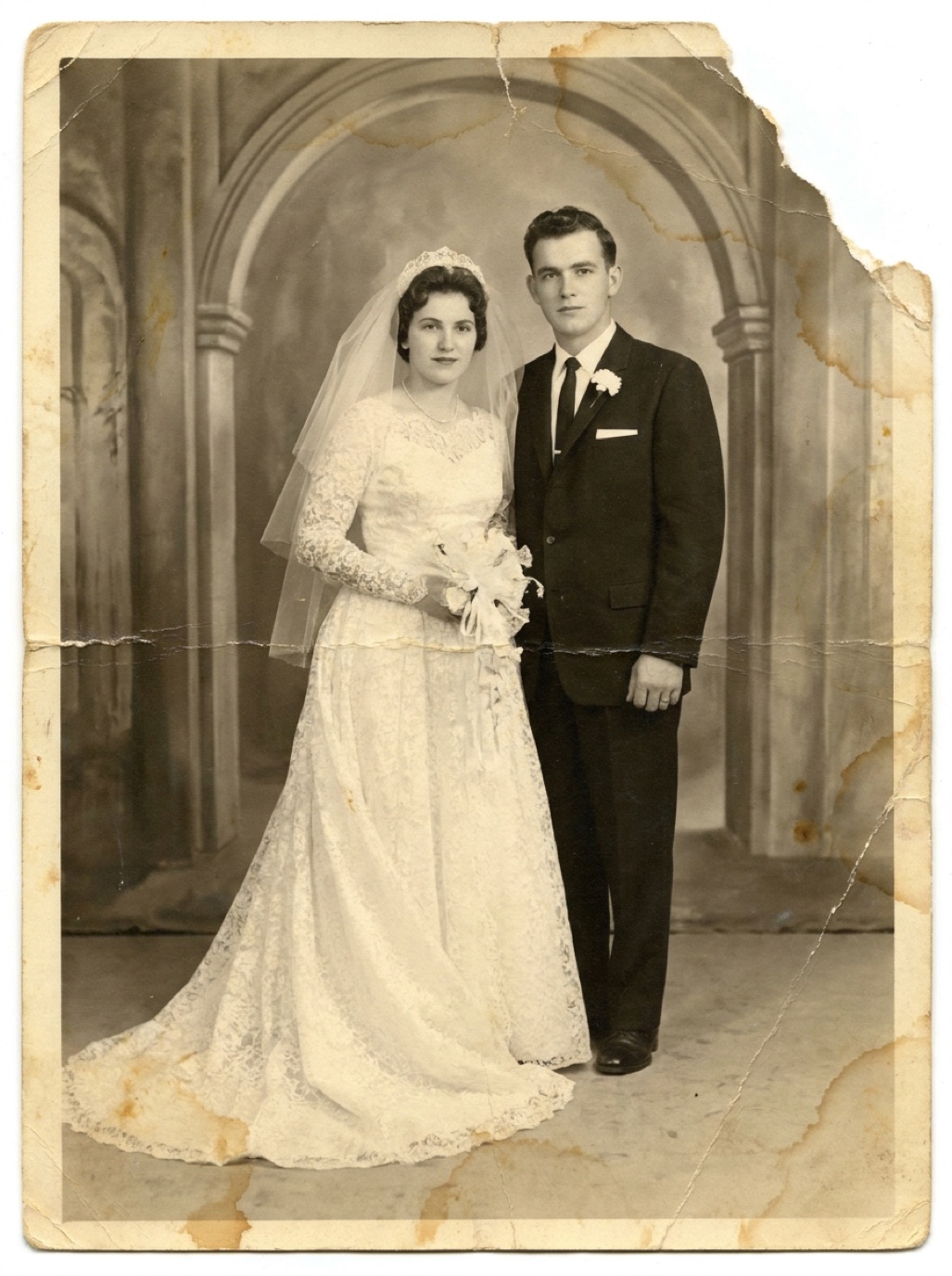

"Free" is one of the most common words people add when searching for photo restoration, and it makes sense: you might only have a handful of pictures to fix. The good news is that there are genuinely free ways to restore old photos. The less good news is that most of them come with trade-offs in quality, privacy or time.
Here is an honest overview of your options.
Option 1: Free trials of restoration apps
Most AI restoration apps let you try them before paying. Refixo, for example, is free to download and includes a 3-day free trial of Premium. If you have a small batch of photos, you can:
- Scan or photograph all the prints you want to restore before starting the trial (see how to scan old photos).
- Start the trial and restore them in one session.
- Save the results to your photo library.
- Cancel in your Apple ID settings at least 24 hours before the trial ends if you don't want to continue.
This gives you full-quality, watermark-free results for a one-off project without paying anything.
Option 2: Free web tools
Many websites offer "free AI photo restoration". Before uploading family photos, check:
- Watermarks and resolution: free tiers often add a logo or limit output size.
- Privacy: read what happens to your uploaded photos and whether they are kept.
- Daily limits: some allow one or two free restores a day.
They can be useful for a single quick fix, but they are rarely ideal for a whole album.
Option 3: Free desktop software
Open-source editors like GIMP include tools such as the healing brush and clone stamp that can remove scratches and dust by hand. It is free and gives full control, but:
- Restoring one damaged photo can take an hour or more.
- Colorizing by hand is a skill that takes practice.
- Sharpening blurry faces convincingly is very hard without AI.
If you enjoy editing, it is a rewarding hobby. If you just want the photo fixed, it is slow.
Option 4: Built-in phone editing
The Photos app on iPhone can improve exposure, contrast and color, and the cleanup tool on newer devices can remove small spots. It is free and private, and good for a faded photo that only needs a color and contrast correction. It does not repair tears, cracks or heavy damage, sharpen faces or colorize.
Option 5: Ask a relative or a local group
Some genealogy societies, libraries and online communities offer volunteer restoration help. It is generous and often skilled, but turnaround can be slow and you are sending personal photos to strangers.
What you can do for free regardless of the tool
These steps improve every restoration, free or paid:
- Clean the print gently with a soft brush.
- Scan in good light, without glare (see photographing prints without glare).
- Crop away damaged borders that do not matter.
- Keep the original file untouched.
When is paying worth it?
| Your situation | Free option is fine | Paid is worth it |
|---|---|---|
| 1–5 faded photos | Yes, try a free trial or phone edits | — |
| A whole album or box | — | Yes, saves hours |
| Heavy damage, tears, stains | Rarely | Yes |
| Blurry faces | Rarely | Yes |
| Colorization | Free tools are limited | Yes |
| Professional prints or a memorial | — | Paid app or a professional |
Frequently asked questions
Is there a completely free AI photo restorer?
Some web tools offer a few free restores, usually with watermarks, lower resolution or daily limits. Free trials of full apps usually give better results for a one-off project.
Can I restore old photos for free on iPhone?
You can make basic fixes in the Photos app for free. For damage removal, face enhancement and colorization, a restoration app's free trial is the easiest no-cost route.
Do free photo restoration sites keep my photos?
It depends on the site. Always read the privacy policy before uploading personal or family photos. Our article on AI photo restoration privacy explains what to look for.
How many photos can I restore in a free trial?
That depends on the app's terms. Prepare all your scans before the trial starts so you can make the most of it.
Restore it in seconds
Bring your old photos back to life
Refixo's AI removes scratches, tears and stains, sharpens faces and colorizes black & white photos in seconds. Free to download on iPhone and iPad, with a 3-day free trial.
Download on theApp Store