AI Photo Restoration AppRestoreold photoswith AI
Bring faded, scratched, torn and blurry pictures back to life. Refixo removes damage, sharpens faces and colorizes black & white photos in seconds — right on your iPhone.
Free download · 3-day free trial · iPhone & iPad
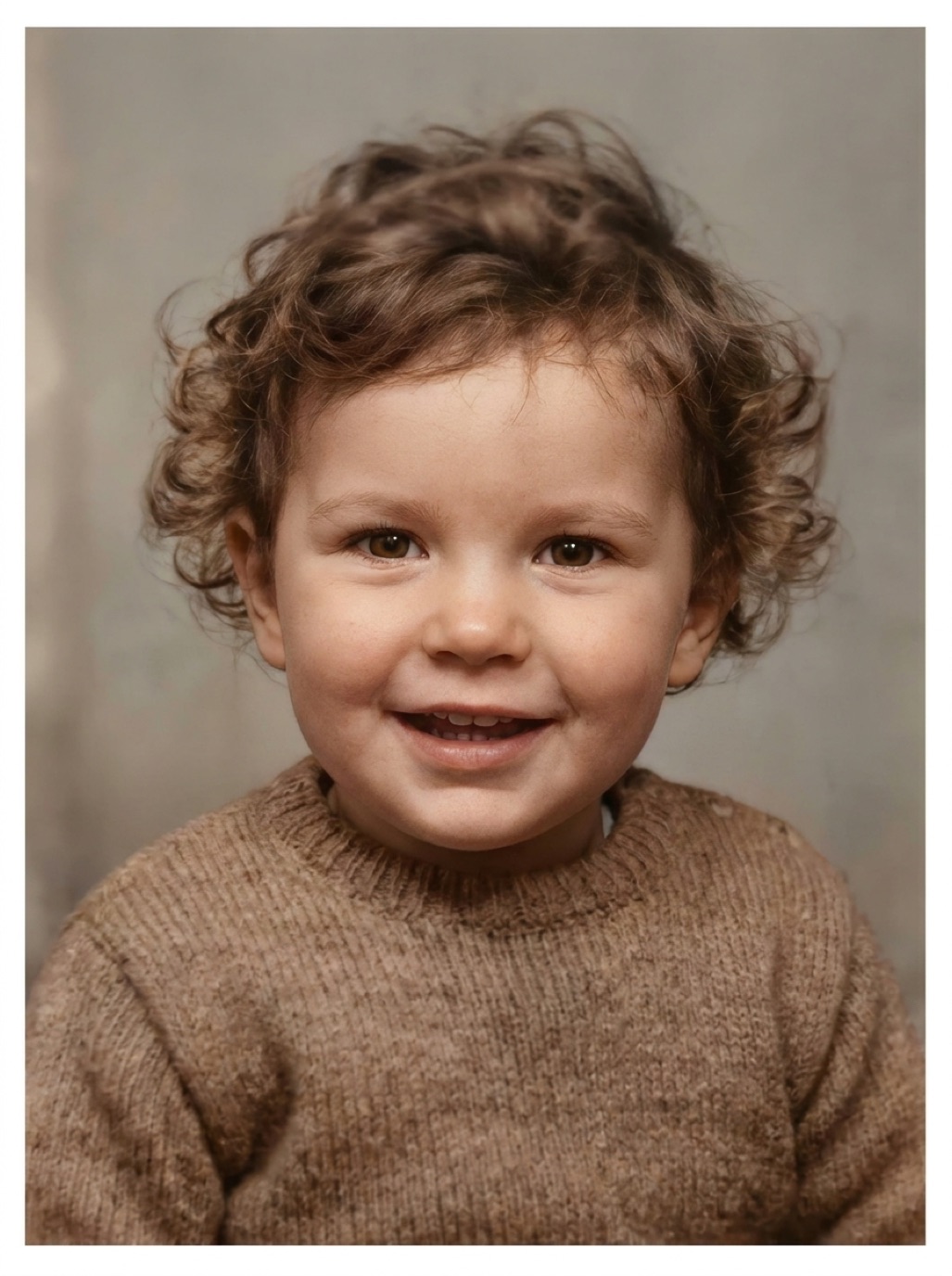
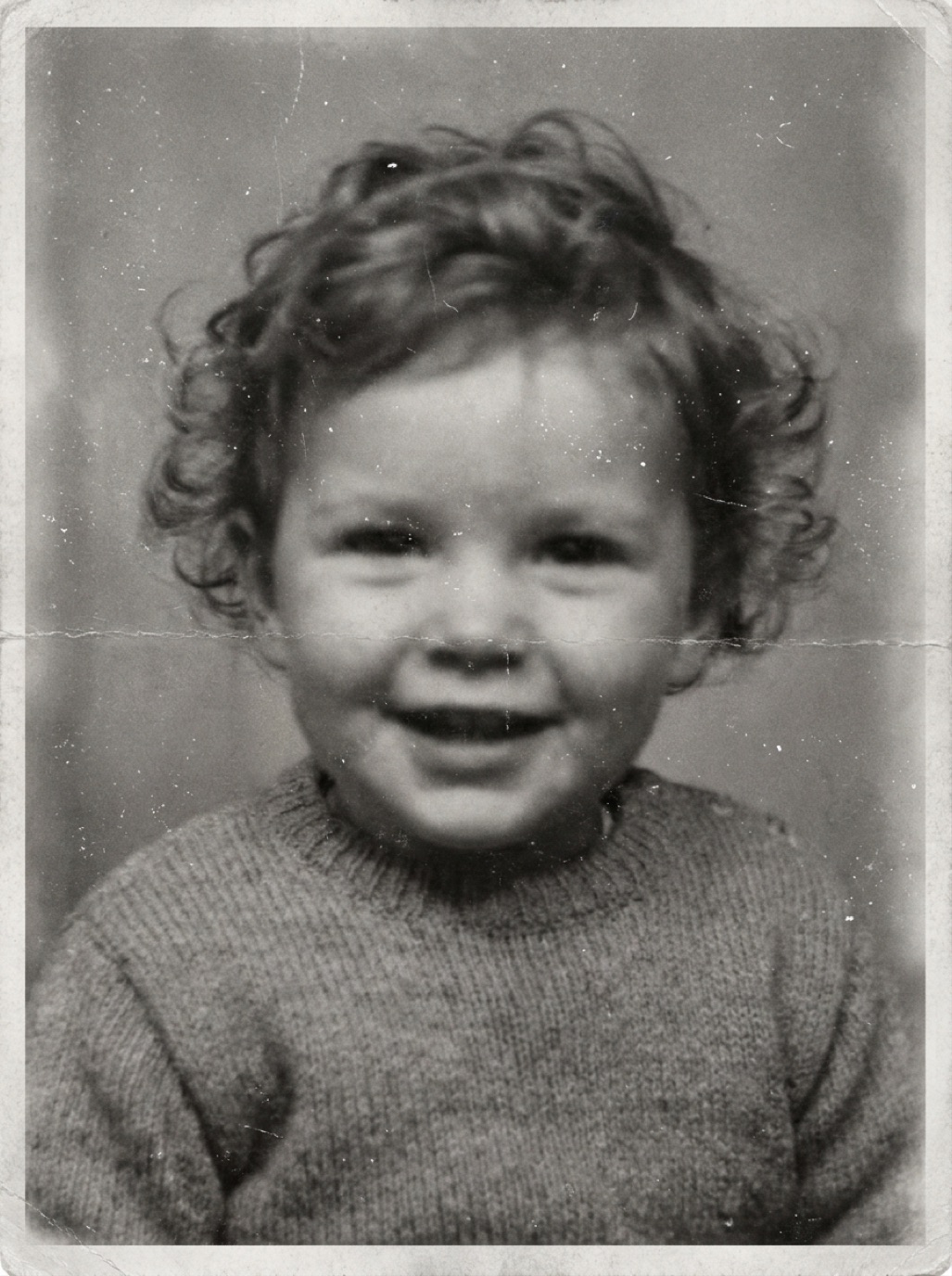 BeforeAfter
- Restore · Colorize · Enhance
- Results in seconds
- No watermarks on restored photos
- Available in 33 languages
Fix any old photo
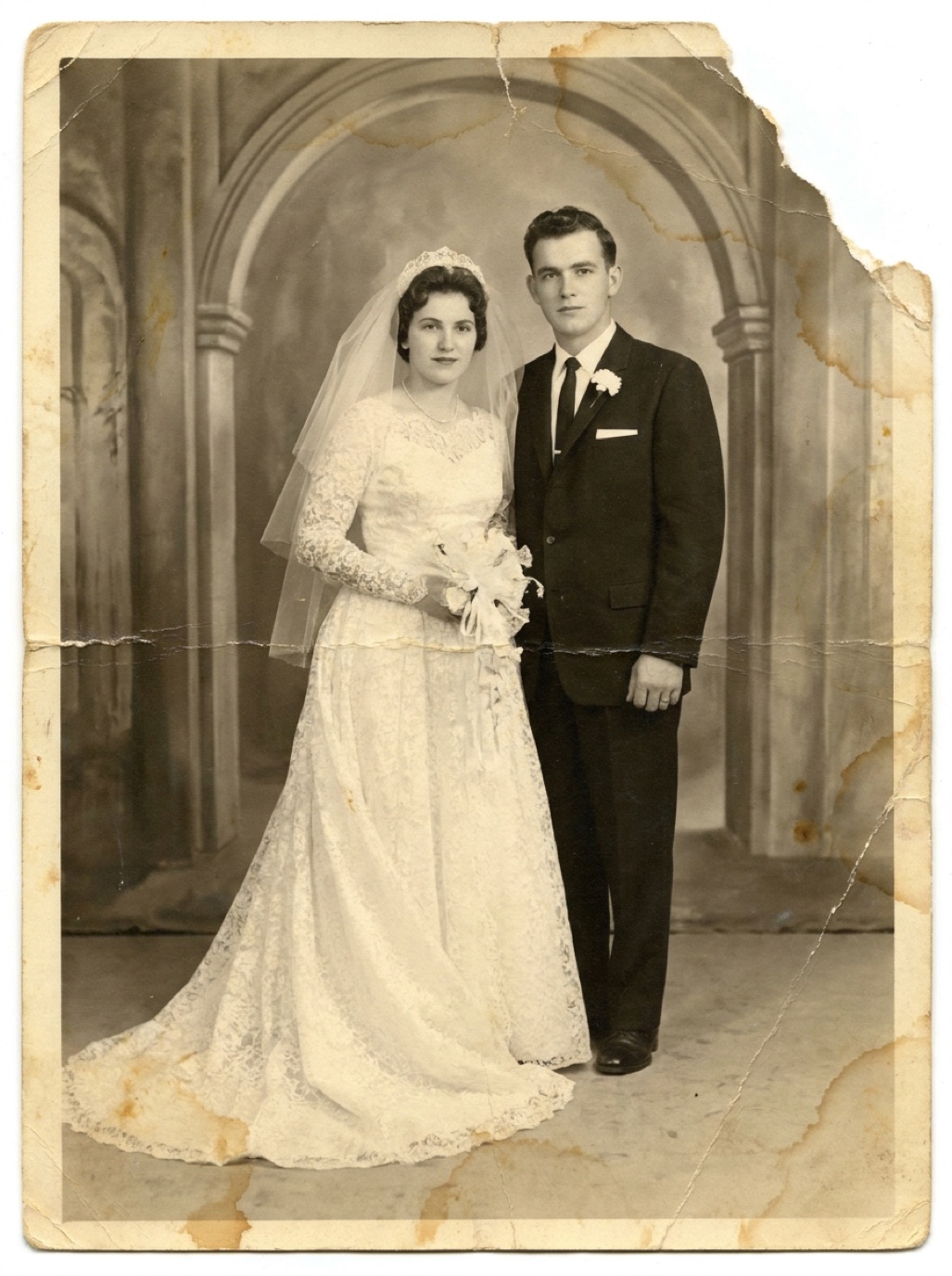
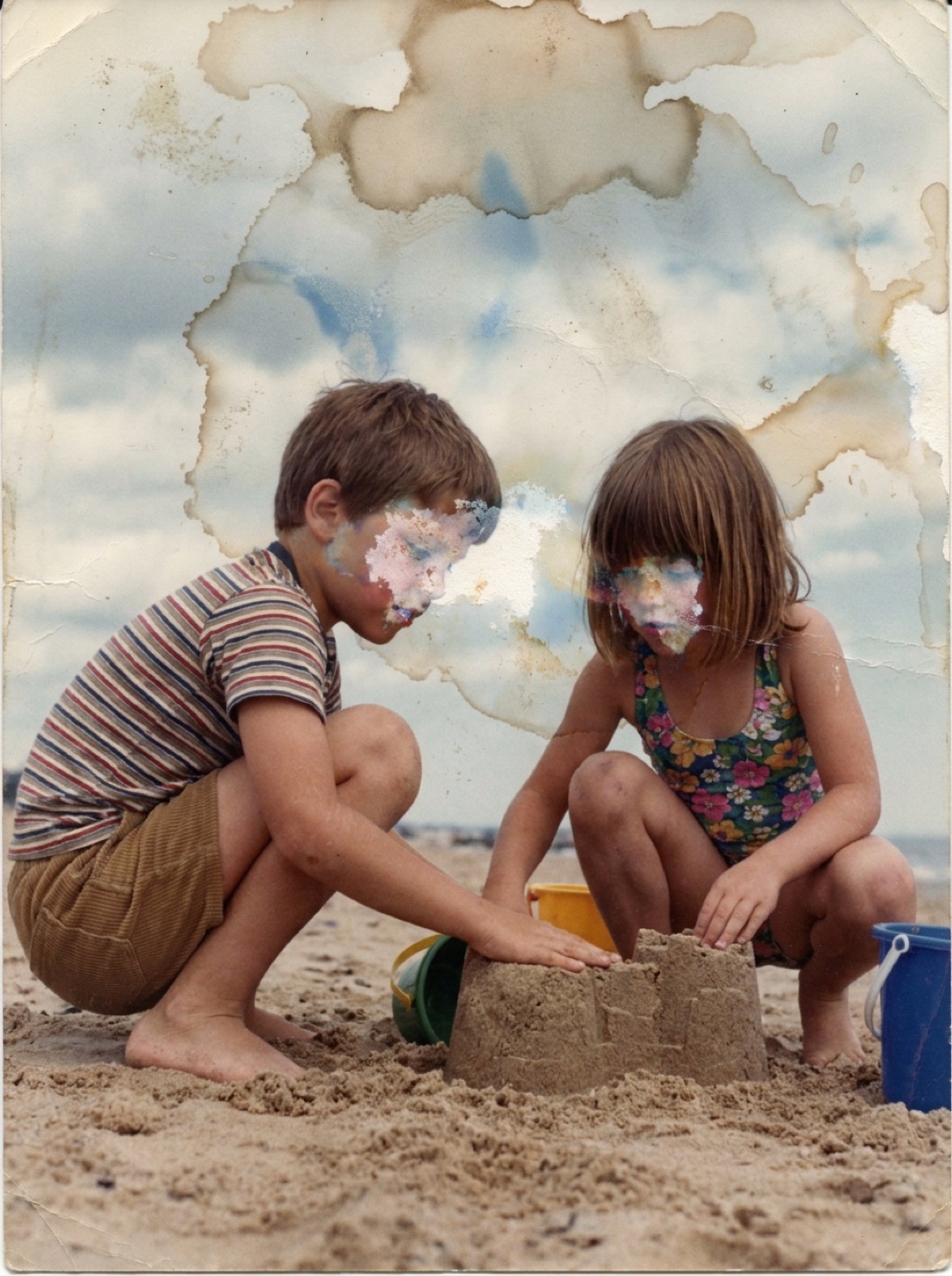
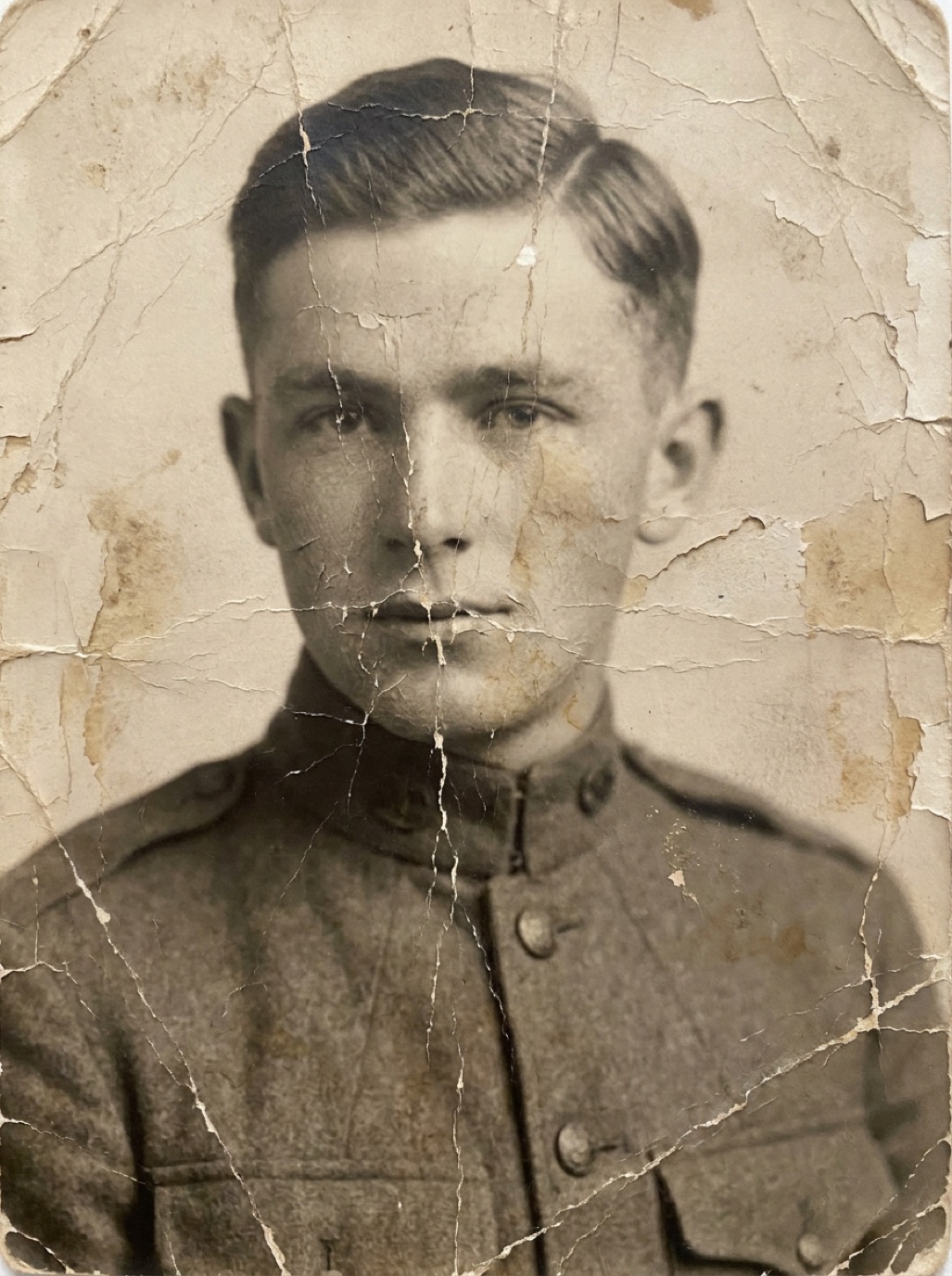
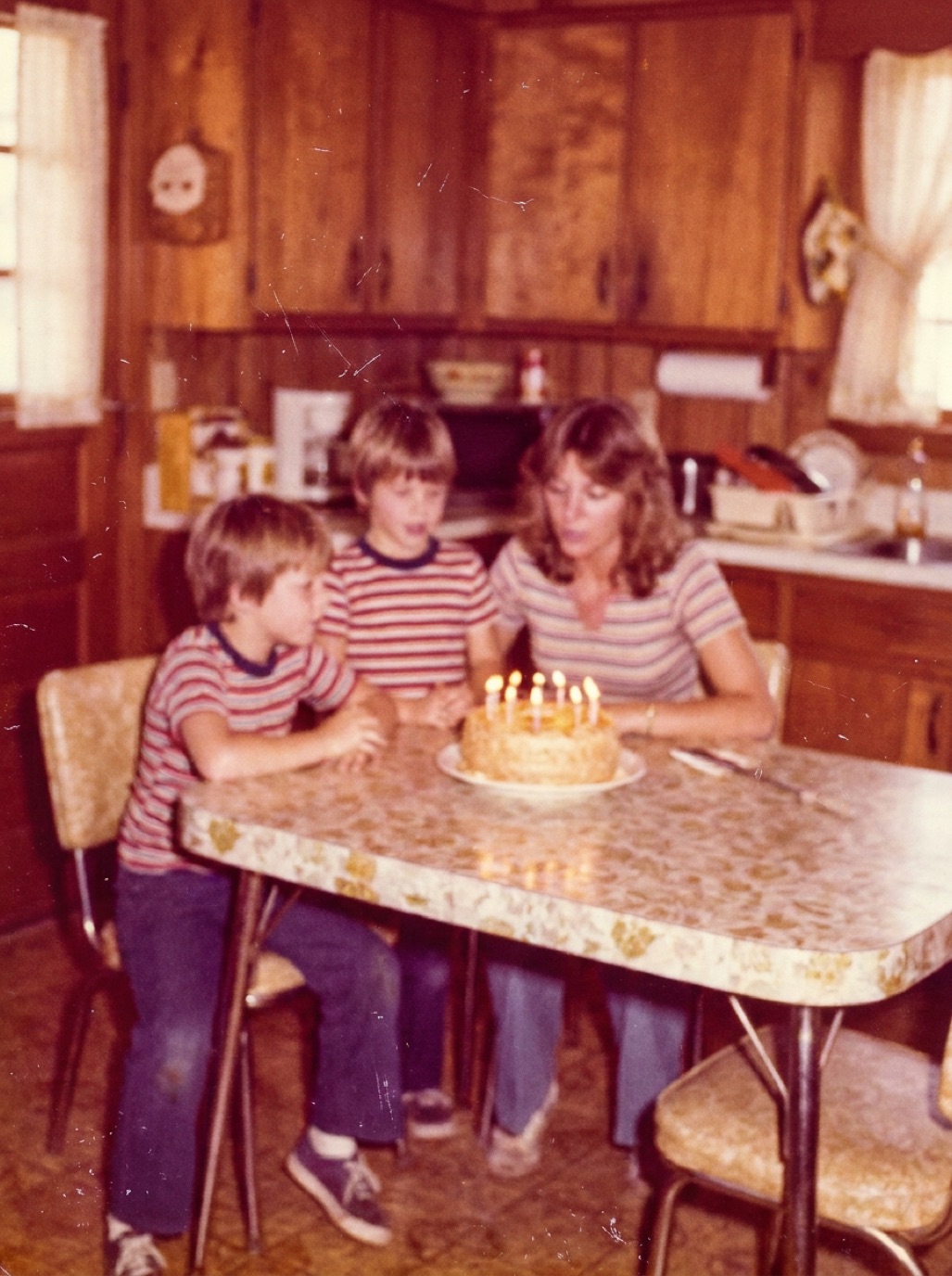
Scratches, tears, stains and faded colors — repaired in seconds. Drag the slider on each photo to compare.

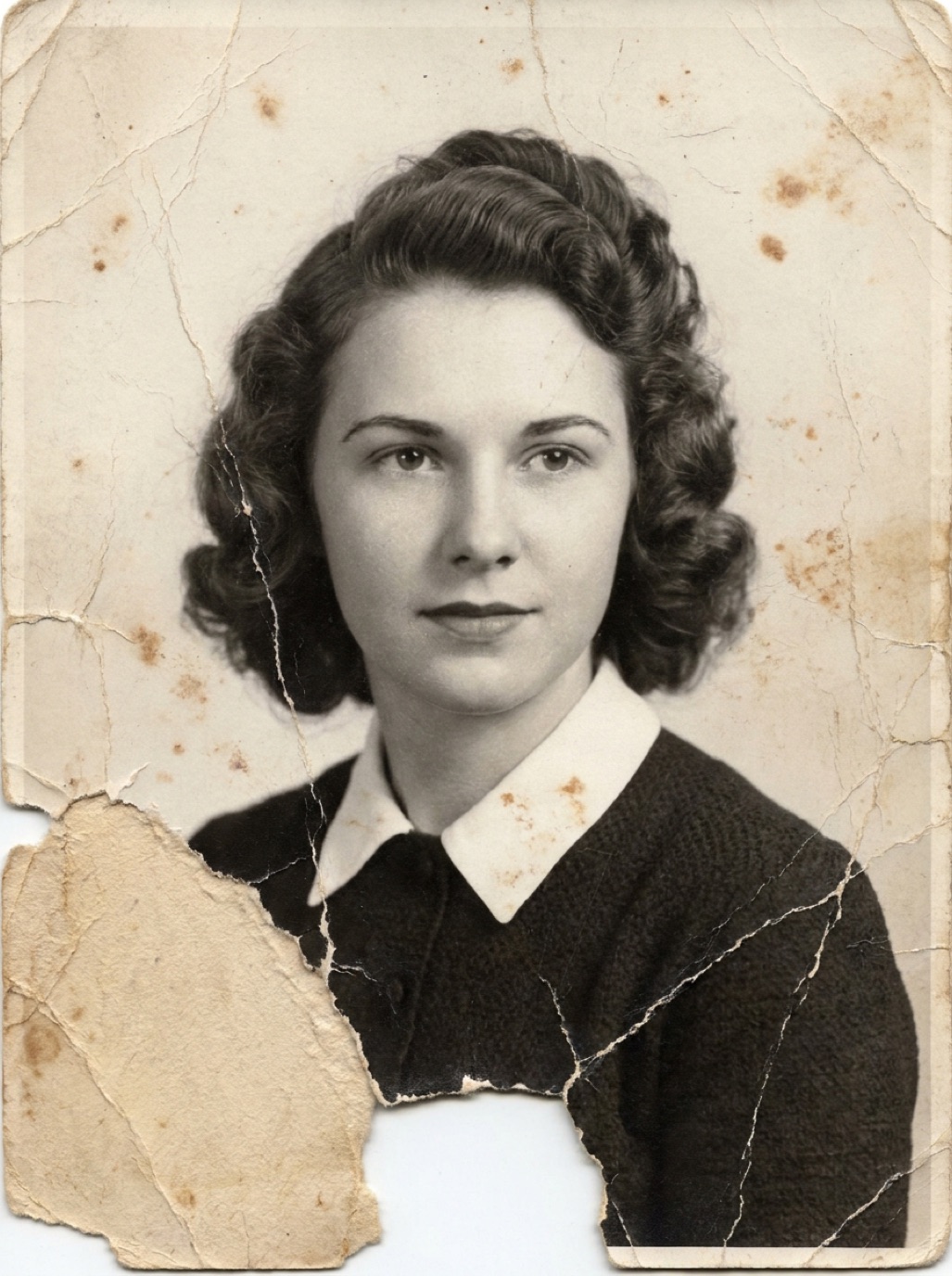 BeforeAfter

 BeforeAfter

 BeforeAfter

 BeforeAfter

 BeforeAfter

 BeforeAfter
AI-generated example photos for illustration. Results on your own photos depend on the original's condition and resolution.
Fix blurry &
damaged
photos
One tap runs a full restoration: Refixo cleans the damage, rebuilds lost detail and brings back the contrast your photo had on the day it was printed.
- Restore faces & details
- Remove scratches & noise
- Enhance colors & contrast
- High-resolution export
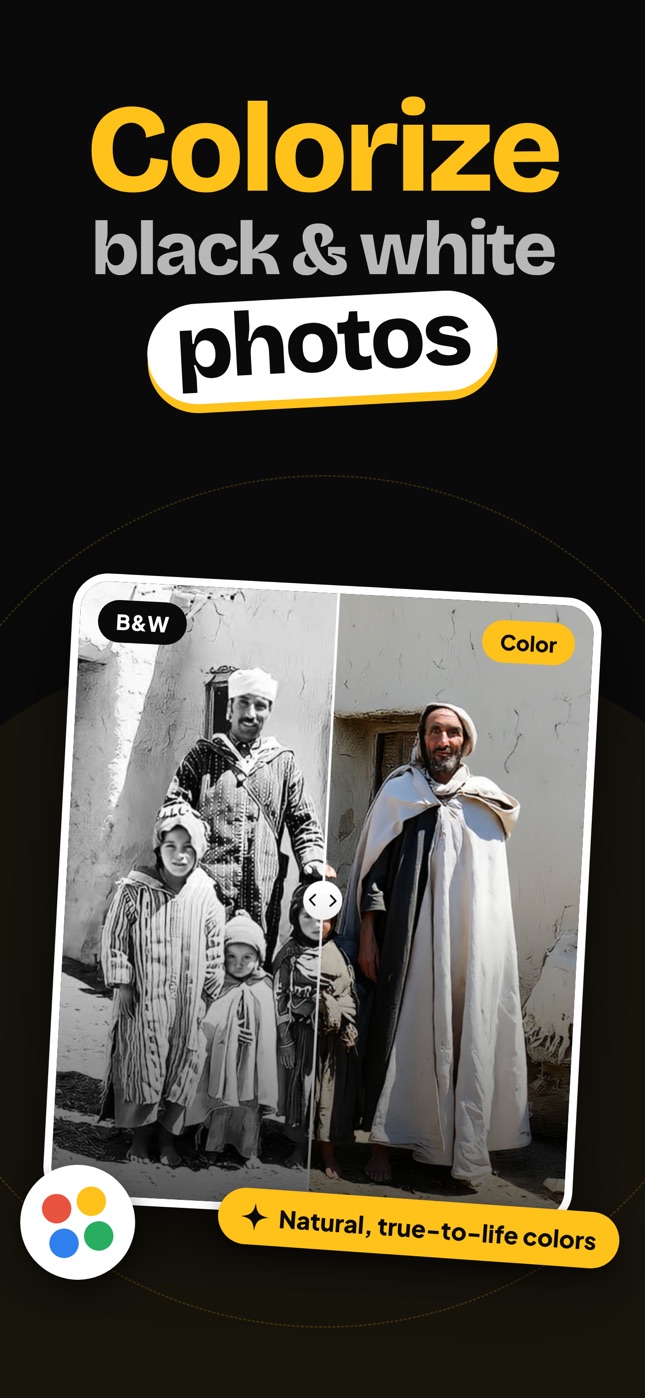
Colorizeblack & whitephotos
See your grandparents' world the way they saw it. Refixo adds natural, true-to-life color to black & white and sepia photos — skin, clothing, walls and sky.

 B&WColor

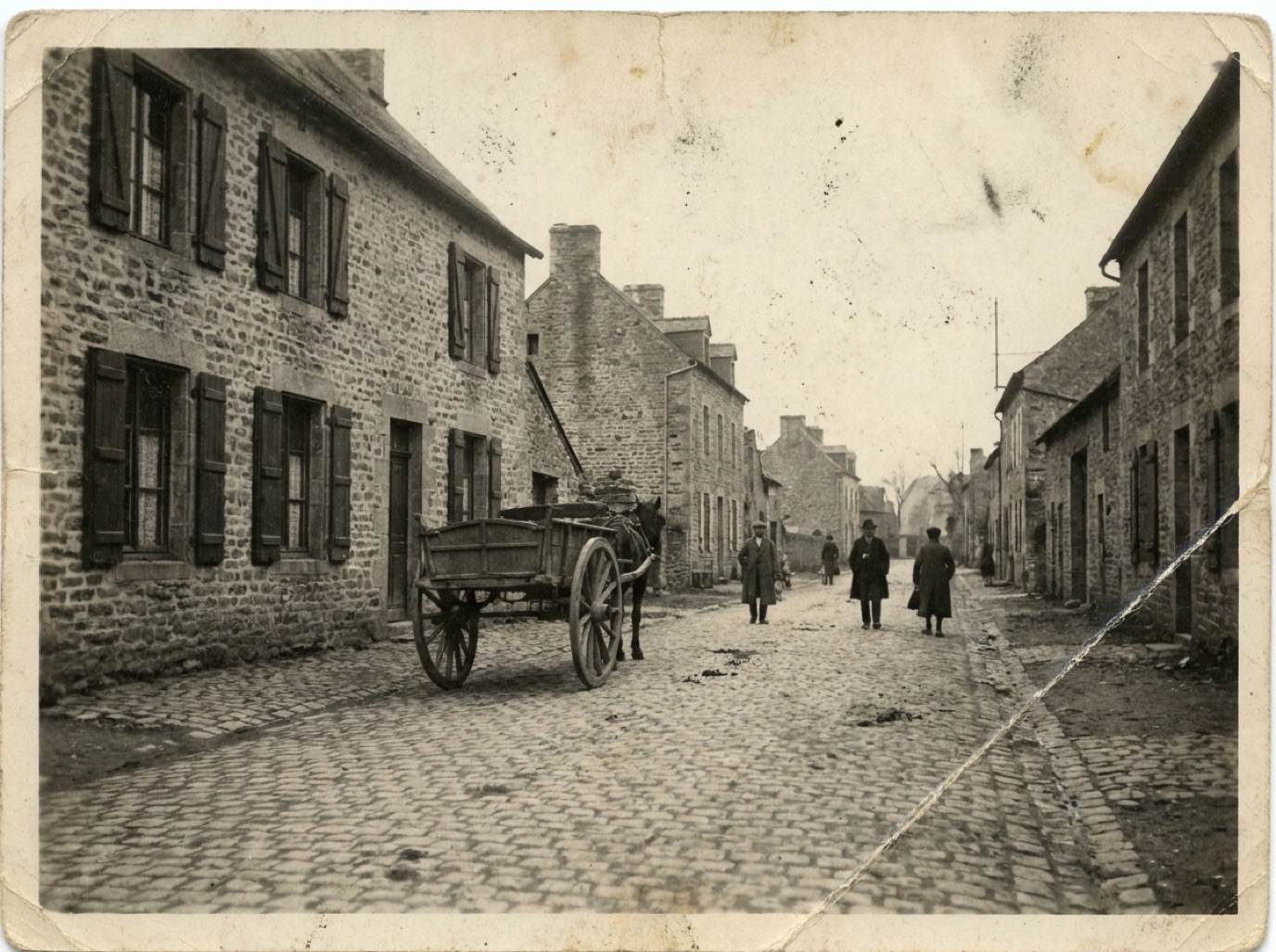 B&WColor
Streets, houses & landscapes too
Colorization works on more than portraits: old street scenes, family homes and village photos come back in warm, believable color.
Everything an old photo needs
No editing skills, no layers, no brushes. Refixo's AI handles the restoration work a retoucher would do by hand.
Remove scratches & cracks
Dust, scratches, creases and cracked emulsion disappear while the real details stay intact.
Sharpen faces
Blurry, soft faces get clear eyes, hair and skin texture back, so people look like themselves again.
Colorize black & white
Turn black & white and sepia photos into natural color with one tap.
Fix faded colors
Correct yellowed, orange or washed-out prints and restore contrast and true colors.
Enhance low-quality photos
Upscale small, blurry or pixelated pictures into a clean high-resolution image.
Safe & private
Your photos are processed securely and never shared. Save to Photos or share when you are ready.
Restore a photo in three taps
Upload a photo, tap restore and get your result in seconds.
 1
Pick or snap a photo
Choose an old photo from your gallery, or take a picture of a printed one with your camera.
 2
Tap restore
Refixo's AI repairs damage, sharpens faces, fixes colors and colorizes black & white photos.
 3
Compare, save & share
Drag to compare before and after, then save the high-resolution result or share it with family.
Relive old
family
photos
Every restored photo is saved in your History, all in one place. Open any of them again to compare, save to Photos or send to the family group chat.
- Every restore, saved
- Share with family in one tap
- Print-ready high-resolution files
Try Refixo Premium free for 3 days
Download Refixo for free and start with a 3-day free trial. Keep restoring with a weekly, monthly or yearly plan, or cancel any time before the trial ends.
Weekly
$3.99 / week
3-day free trialMonthly
$9.99 / month
Yearly
$39.99 / year
Best valueUS App Store prices; local prices vary by country. Subscriptions renew automatically and can be cancelled in your Apple ID settings at least 24 hours before renewal.
Questions, answered
Open Refixo, choose a photo from your gallery or take a picture of a printed photo with your camera, then tap restore. The AI repairs scratches, tears and stains, sharpens faces and fixes colors in seconds. Drag the slider to compare and save the result.
Yes. Refixo adds natural, true-to-life color to black & white and sepia photos, including portraits, family groups, buildings and landscapes.
Yes. Refixo sharpens soft faces and details and enhances small or pixelated images into a cleaner, higher-resolution result. Extremely blurry photos improve, but the AI cannot recover detail that was never captured.
Refixo is free to download and includes a 3-day free trial of Refixo Premium. After the trial, Premium is a weekly, monthly or yearly subscription that you can cancel any time in your Apple ID settings.
No. Restored photos are exported in full quality without watermarks.
Use the camera option in Refixo or a scanner app. Place the print flat in soft, even daylight, avoid glare and shadows, and fill the frame with the photo. A sharper scan gives a better restoration.
Your photos are processed securely to restore them and are never shared. Restored results are saved in your in-app History, and you decide what to save or share.
Refixo is currently available for iPhone and iPad on the App Store.
Refixo is designed to keep faces, expressions and poses as they are. AI restoration has to reconstruct missing detail, so always compare with the original — especially for heavily damaged faces.
Give your memories a second life
Download Refixo, pick that faded photo from the drawer and see it restored in seconds.