
Best Photo Restoration Apps for iPhone in 2026 (Honest Comparison)
The best photo restoration apps for iPhone compared: what each does well, pricing models, watermarks, privacy and which one suits your old photos.
By Ayoub Farid · · 4 min read
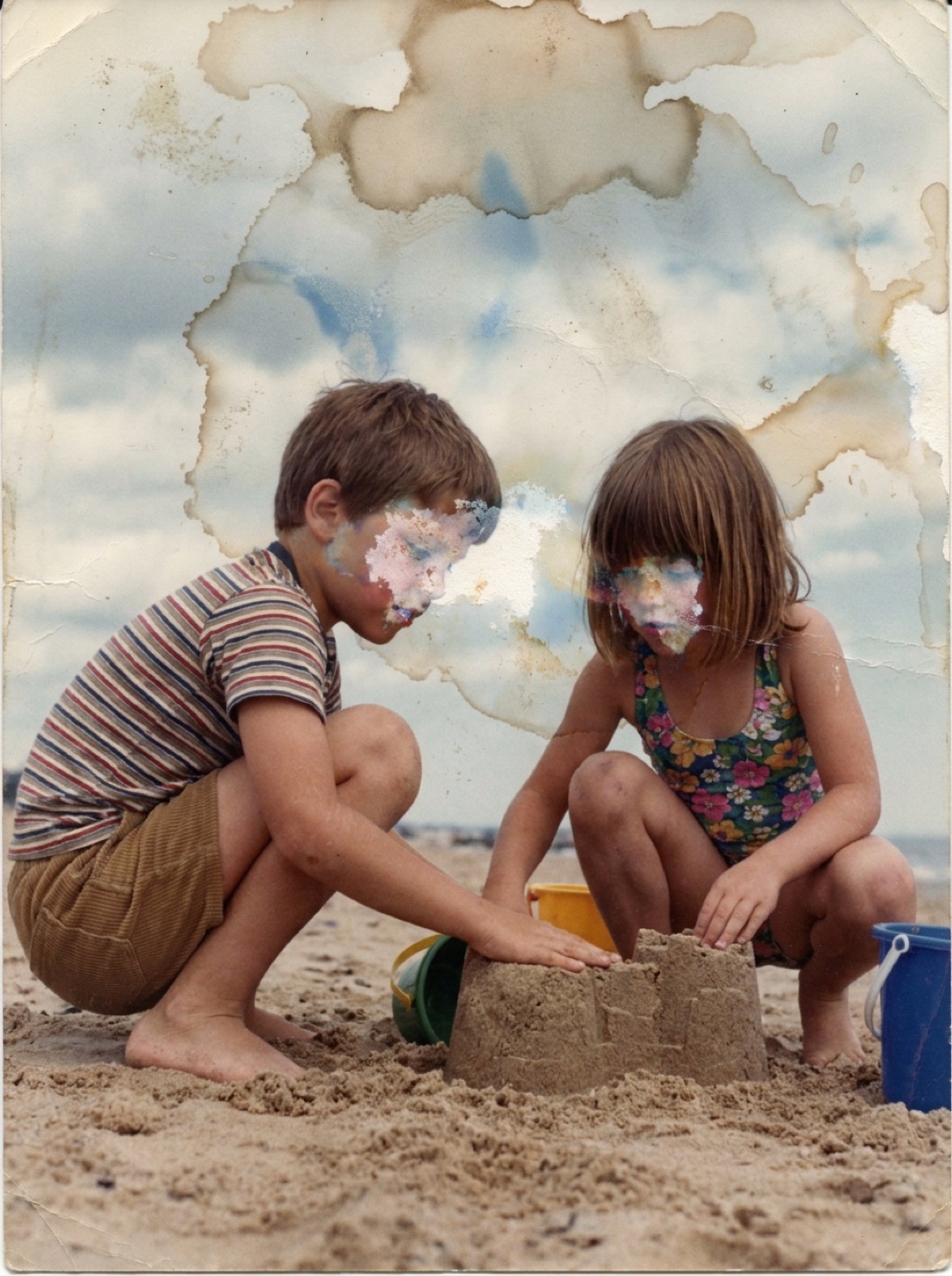

Search the App Store for "restore old photos" and you will find dozens of apps with nearly identical screenshots: a scratched portrait on the left, a crisp colorized face on the right. They are not all equal. Some focus on face enhancement for selfies, some are part of genealogy platforms, and some are general photo editors with a restoration filter.
This comparison explains what to look for and how the main types of apps differ, so you can choose based on your photos rather than on screenshots.
What makes a good photo restoration app?
Before comparing names, decide what matters for your collection:
- Damage repair, not just sharpening. Many "enhancer" apps sharpen faces but leave scratches, creases and stains in place. Test with your most damaged photo.
- Natural faces. Over-processed results look waxy, with plastic skin and identical eyes. Look for texture and real expressions.
- Colorization quality. Skin tones should look human and clothing believable, without color bleeding across edges.
- Output quality and watermarks. Check whether exports are full resolution and watermark-free on the plan you pay for.
- Privacy. Family photos are personal. Read how photos are processed and whether they are shared.
- Simple workflow. If you plan to restore 200 photos, the number of taps per photo matters.
The main types of restoration apps
Dedicated AI restoration apps
Apps built specifically for old photos, such as Refixo, run a full restoration in one tap: scratch and noise removal, face enhancement, color and contrast correction, and optional colorization. They are usually the fastest route from a damaged print to a usable result.
Best for: family photo collections, damaged prints, people who want results without editing skills.
Face enhancers
Apps like Remini became popular for sharpening blurry faces. They are strong on portraits but can be weaker on physical damage such as tears and stains, and some lean toward a smoothed, "beautified" look. If you are deciding between options, our Remini alternatives article goes deeper.
Best for: blurry portraits and low-resolution faces.
Genealogy platforms
MyHeritage offers photo enhancement and colorization as part of a family-tree service. It makes sense if you already build your tree there; if you only want restoration, a standalone app may be simpler. See MyHeritage photo enhancer alternatives.
Best for: people already doing genealogy on that platform.
General photo editors with AI filters
Picsart, Fotor, PhotoDirector, YouCam and others include restoration features among many tools. They offer more manual control but more menus to get through.
Best for: people who also want collages, filters and design tools.
Desktop software
Photoshop (with Neural Filters) and Topaz Photo AI give the most control and work well for professional retouchers. They have a learning curve and a desktop workflow. Compare in Photoshop vs AI photo restoration.
Best for: professionals and hobbyists who enjoy editing.
Quick comparison
| Type | Damage repair | Faces | Colorize | Learning curve |
|---|---|---|---|---|
| Dedicated restoration app | Strong | Strong | Yes | Very low |
| Face enhancer | Moderate | Very strong | Some | Very low |
| Genealogy platform | Good | Good | Yes | Low |
| General photo editor | Varies | Varies | Varies | Medium |
| Desktop software | Excellent with skill | Excellent with skill | With plugins | High |
How to test an app in five minutes
Pick three photos from your own collection:
- A damaged print (scratches, crease or stain).
- A blurry portrait.
- A black and white group photo.
Run all three through each app you are considering, during the free trial. Zoom in on eyes, hair and the edges of tears. The best app for you is the one that handles your photos naturally, which screenshots can't tell you.
Pricing models to expect
Most restoration apps are free to download and use a subscription (weekly, monthly or yearly), often with a free trial. Some give a few free restores per day with watermarks. Refixo is free to download with a 3-day free trial, then a weekly, monthly or yearly plan, and restored photos have no watermark. Cancel trials you don't need in your Apple ID settings at least 24 hours before they renew. For more on costs, read how much photo restoration costs.
Our recommendation
For most people with a family photo collection on an iPhone, a dedicated one-tap restoration app gives the best balance of quality and effort. Start with your most damaged photo, compare honestly, and keep the originals. Our complete guide to restoring old photos with AI shows the full workflow.
Frequently asked questions
What is the best free photo restoration app?
Most quality apps are free to download with a trial or limited free use. The "best" one depends on your photos, so test your three hardest photos during free trials before subscribing.
Do photo restoration apps work on iPad?
Many do. Refixo runs on both iPhone and iPad, and a larger screen makes it easier to inspect details.
Are AI-restored photos good enough to print?
Usually, yes, for standard sizes like 4×6 or 5×7 inches, if the original scan is sharp. For large prints, start from a high-resolution scan.
Can these apps fix torn photos?
Dedicated restoration apps can repair tears and small missing areas. Large missing sections may need a professional retoucher.
Restore it in seconds
Bring your old photos back to life
Refixo's AI removes scratches, tears and stains, sharpens faces and colorizes black & white photos in seconds. Free to download on iPhone and iPad, with a 3-day free trial.
Download on theApp Store