
Restore Old Photos in Photoshop vs an AI App: Time and Results
Should you restore old photos in Photoshop or with an AI app? Compare the steps, time, skills and results, plus when manual retouching is still worth it.
By Ayoub Farid · · 3 min read
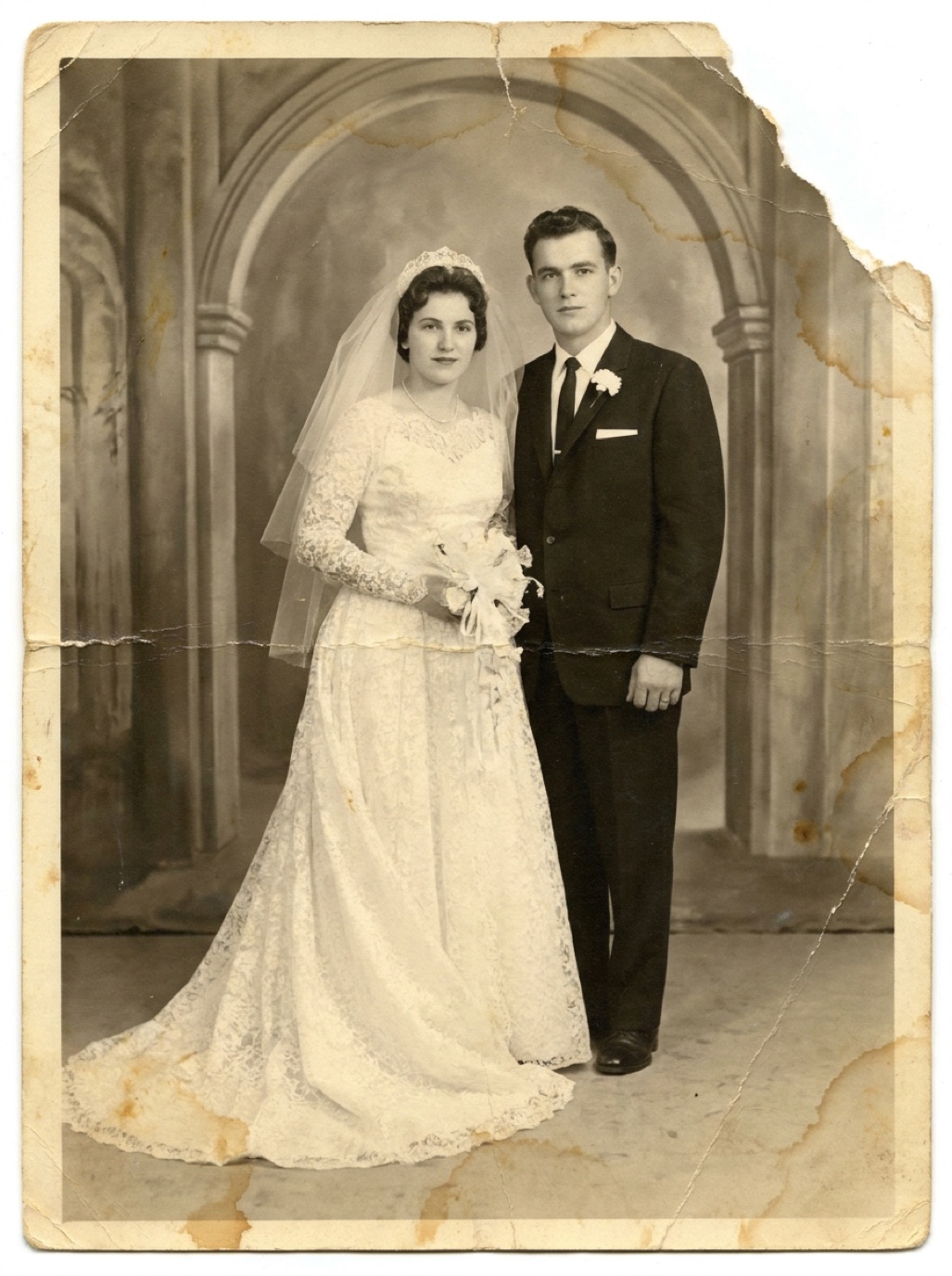
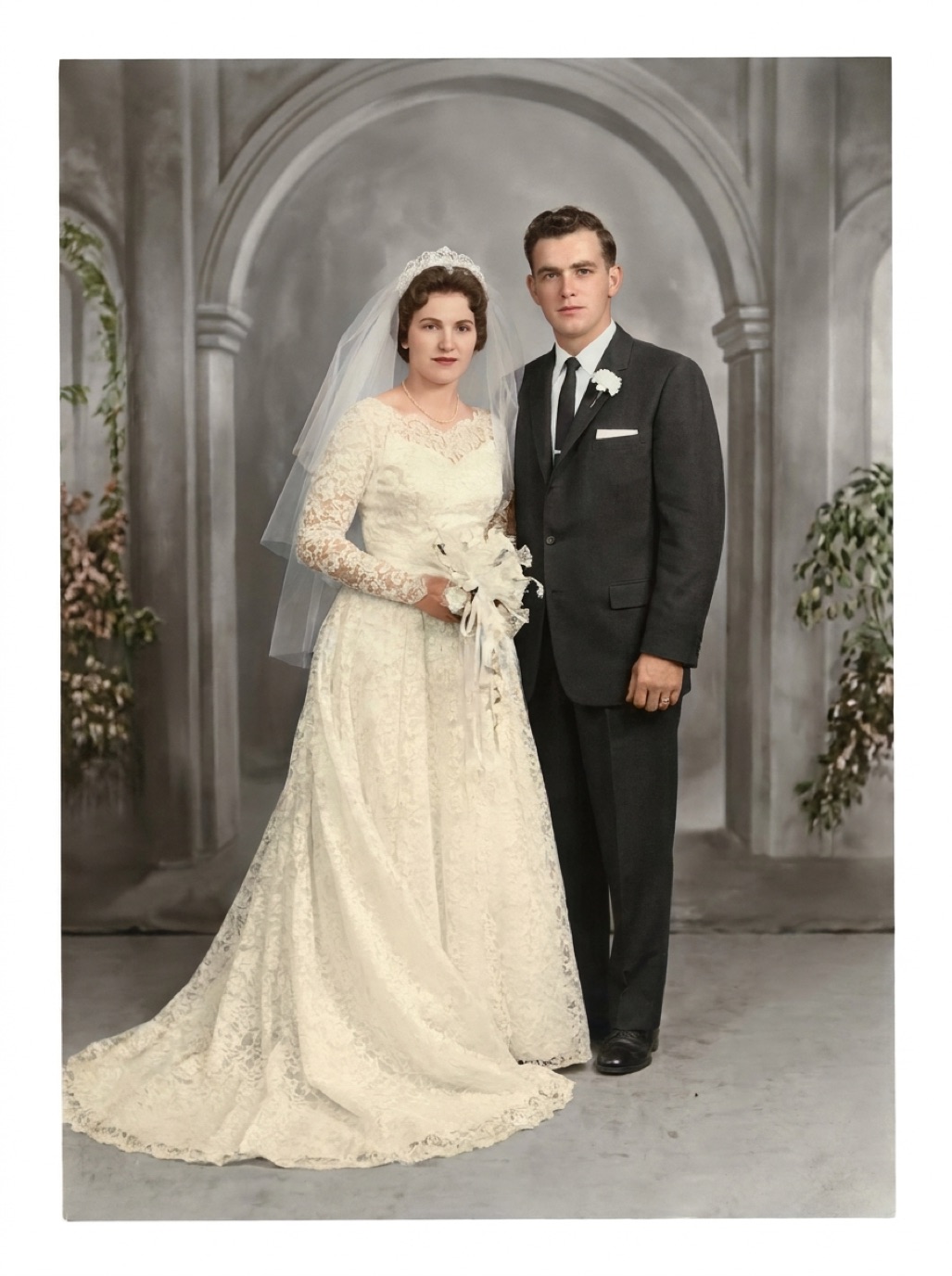
Photoshop has been the standard tool for photo restoration for decades, and it now includes AI features of its own. AI apps, meanwhile, restore an entire photo in one tap. Which is better depends on how many photos you have, how damaged they are, and whether you enjoy editing.
Restoring a photo in Photoshop: the typical workflow
- Scan at high resolution and open the file.
- Duplicate the layer so the original is preserved.
- Crop and straighten.
- Fix tone with Levels or Curves to restore blacks and whites.
- Correct color casts with Color Balance or Camera Raw.
- Remove dust and scratches with the Spot Healing Brush, Healing Brush and Clone Stamp, zoomed in, area by area.
- Rebuild missing areas with Content-Aware Fill or Generative Fill, then manual cleanup.
- Use Neural Filters (such as Photo Restoration and Colorize) for faces and color, then mask and blend the results.
- Sharpen and export.
A lightly damaged photo might take 20–30 minutes for an experienced user. A heavily cracked portrait can take hours.
Restoring the same photo in an AI app
- Pick the photo.
- Tap Restore.
- Compare and save.
With Refixo, that's a few seconds per photo, and the restoration covers scratches, noise, faces, color and contrast at once.
Comparison
| Photoshop | AI restoration app | |
|---|---|---|
| Skill needed | High | None |
| Time per photo | 20 min to several hours | Seconds |
| Control over every detail | Total | Limited |
| Large missing areas | Best option with skill | Limited |
| Batch of 100+ photos | Very time-consuming | Practical |
| Cost | Software subscription + your time | App subscription or trial |
| Device | Desktop computer | iPhone or iPad |
When Photoshop wins
- You need to control precisely what changes, for archival or professional work.
- The photo has a large missing area that needs careful, informed reconstruction.
- You want to combine elements from several photos (for example, a face from one shot onto another).
- You enjoy restoration as a craft.
When an AI app wins
- You have dozens or hundreds of family photos.
- The damage is typical: scratches, dust, fading, small tears, blur.
- You want to restore on your phone and share immediately.
- You don't want to learn layers, masks and healing brushes.
A practical combination
Even Photoshop users often start with an AI pass to remove 90% of the damage, then touch up the remaining details by hand. If you're unsure, run your hardest photo through an app first; if the result is good enough, you've saved an evening. For the full AI workflow, see how to restore old photos with AI, and for manual scratch techniques, see removing scratches from photos.
Frequently asked questions
Does Photoshop have AI photo restoration?
Yes. Photoshop includes Neural Filters such as Photo Restoration and Colorize, plus Generative Fill. You still typically combine them with manual retouching for the best results.
Is it worth learning Photoshop just to restore family photos?
If you enjoy editing, yes. If you just want the photos fixed, an AI app gives comparable results for most family photos with far less time.
Can I restore old photos in Photoshop on iPad?
Photoshop on iPad has fewer restoration tools than the desktop version. For one-tap restoration on iPad, a dedicated app is simpler.
Which gives more natural faces?
A skilled retoucher in Photoshop gives the most control. AI apps give natural results quickly for most faces; always compare with the original.
Restore it in seconds
Bring your old photos back to life
Refixo's AI removes scratches, tears and stains, sharpens faces and colorizes black & white photos in seconds. Free to download on iPhone and iPad, with a 3-day free trial.
Download on theApp Store