
How to Remove Dust Spots from Scanned Photos
Remove dust spots, hairs and specks from scanned photos and slides: prevent dust when scanning, use AI cleanup, or retouch by hand with the healing brush.
By Ayoub Farid · · 2 min read
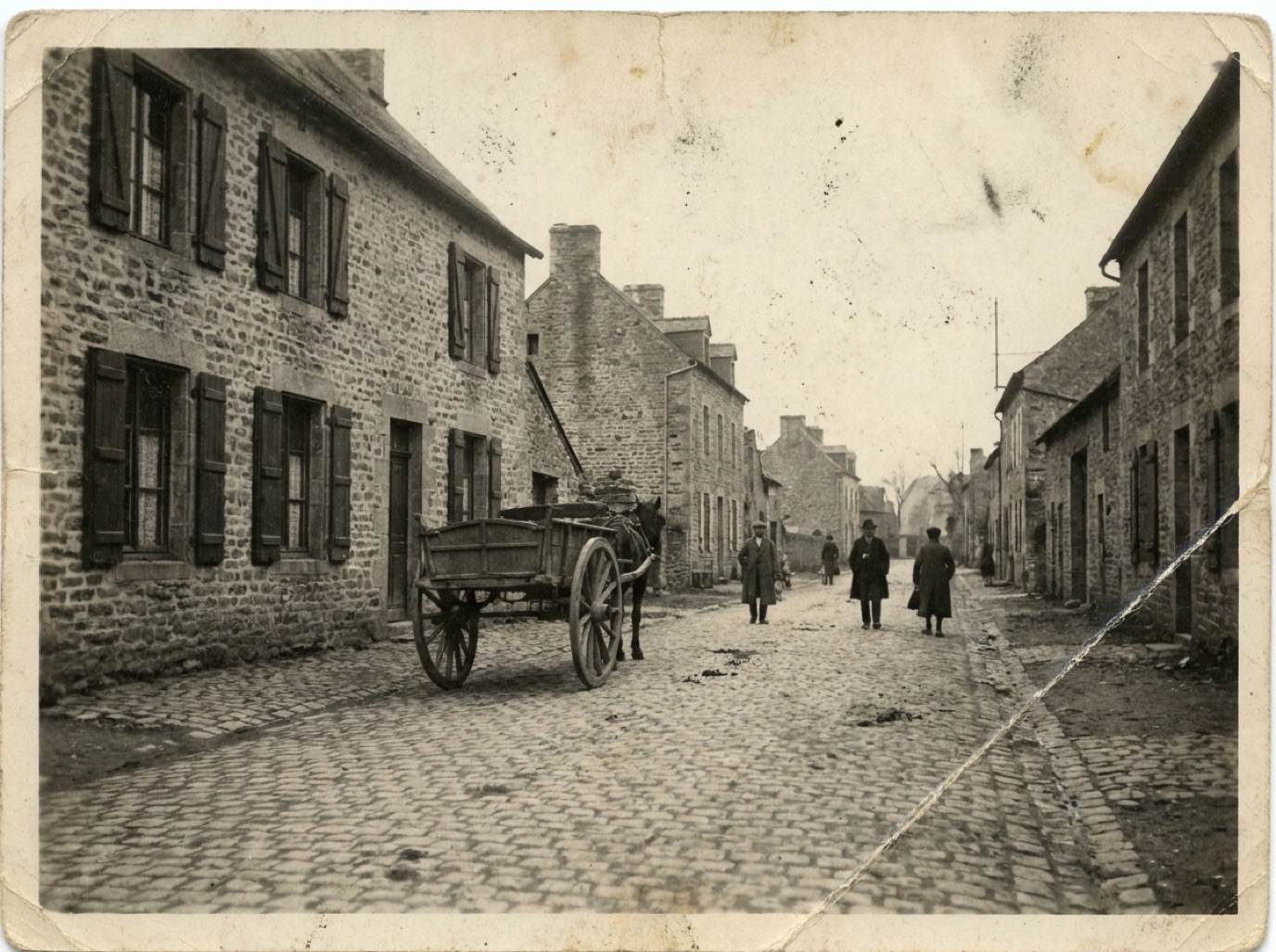

You scan a beautiful old photo, open it full screen and see it: dozens of white specks, a hair across the sky, a fingerprint smudge. Dust is the most common problem in scans, especially of slides and negatives, where every speck is magnified. Prevention takes a minute; cleanup can take an hour or seconds.
Prevent dust before scanning
- Clean the scanner glass with a microfiber cloth. Avoid paper towels, which leave lint.
- Brush the print gently with a soft, clean brush (a makeup or camera lens brush).
- Use a blower (a rubber air bulb) for slides and negatives. Avoid canned air; propellant can spit liquid.
- Wear cotton or nitrile gloves for negatives and slides.
- Scan in a clean room, not right after vacuuming, when dust is in the air.
For phone captures, clean the camera lens too.
Remove dust with AI
In Refixo, choose the scan and tap Restore. Dust spots, specks, hairs and noise are removed along with scratches and other damage. This is especially useful for a whole batch of scans, where retouching each one by hand isn't realistic.
Remove dust by hand
- Spot healing brush: click on each speck with a brush slightly larger than it. Fastest manual method.
- Healing brush: for hairs and long marks, sample nearby clean texture.
- Dust & Scratches filter: on a duplicate layer, then mask it so it only applies to plain areas like sky. Applied globally, it blurs real detail.
- Work at 100% zoom, section by section, so you don't miss any.
Scanner dust-removal features
Some film scanners have infrared dust removal (often branded ICE). It works very well on color negatives and most slides, but not on traditional black and white film or Kodachrome slides, where it can soften the image. For prints, it's generally not available.
Dust vs damage
White specks on a print can also be emulsion damage (tiny scratches). Black specks are often dust on the original negative that was printed in. Both are removed the same way digitally. See how to remove scratches from photos.
Related: how to scan old photos and digitizing negatives with your phone.
Frequently asked questions
Why are there white spots on my scanned slides?
Dust on the slide or scanner. Slides are tiny and magnified a lot, so every speck shows. Blow them clean before scanning.
Can I remove dust from many scans at once?
AI restoration handles each photo in seconds, which is the most practical option for large batches.
Does the "Dust & Scratches" filter ruin detail?
Applied to the whole photo, it softens fine detail. Use it only on masked areas.
Should I clean negatives with water?
No. Use a blower or a soft anti-static brush. Leave wet cleaning to professionals.
Restore it in seconds
Bring your old photos back to life
Refixo's AI removes scratches, tears and stains, sharpens faces and colorizes black & white photos in seconds. Free to download on iPhone and iPad, with a 3-day free trial.
Download on theApp Store