
Memorial Photo Restoration: Preparing a Photo for a Funeral
Restore a photo of a loved one for a funeral or memorial: choosing the right photo, fast restoration, enlarging for a portrait print and sensitive editing tips.
By Ayoub Farid · · 2 min read

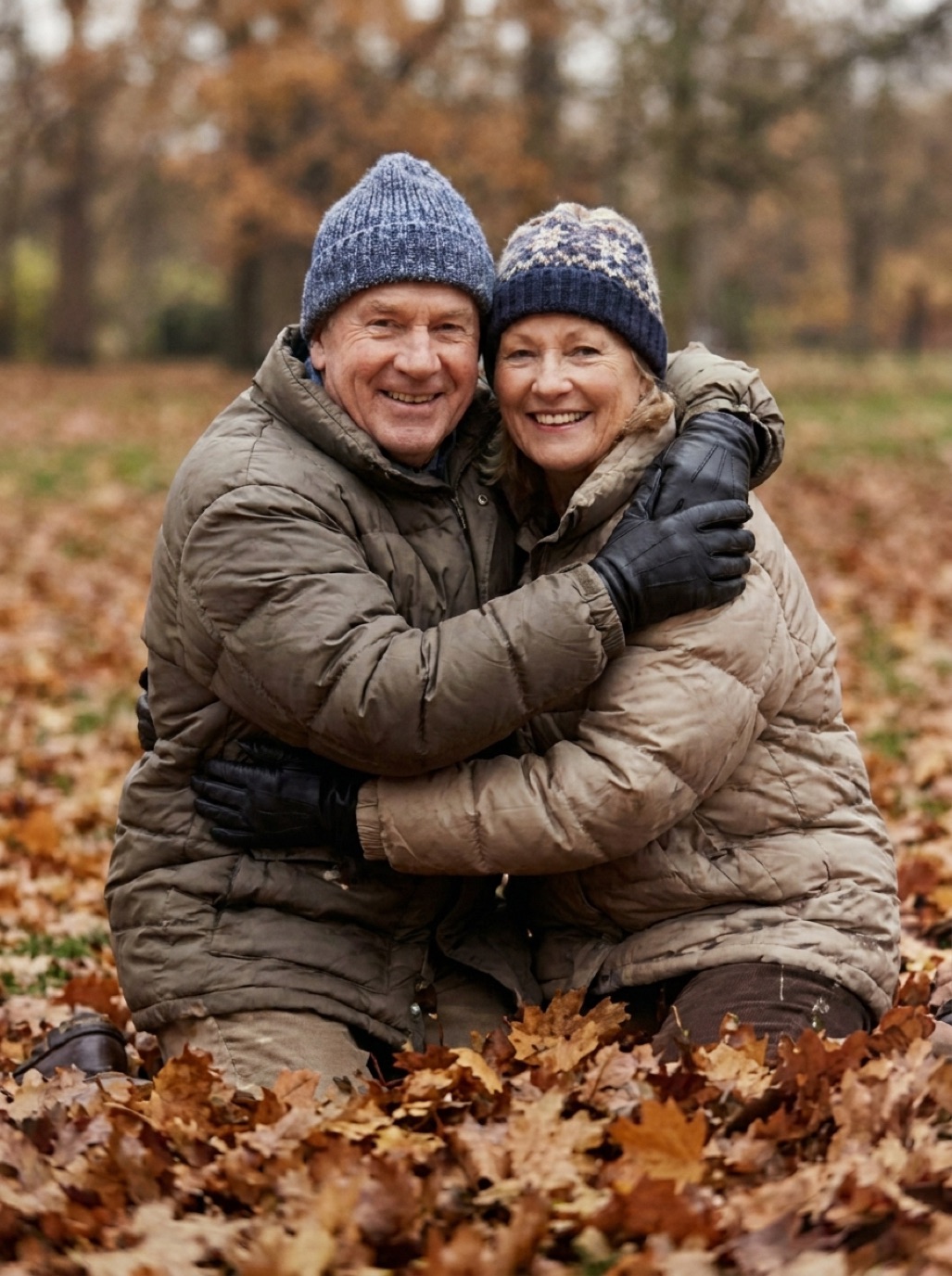
When someone dies, families often need a photo quickly: for the funeral program, a framed portrait at the service, an obituary or a memorial card. The best photo of the person is often old, small or damaged. This guide helps you prepare it calmly, even under time pressure.
Choosing the photo
- A face you all recognize: a photo that captures how people remember them, not necessarily the most formal one.
- Clear and front-facing: easier to restore and enlarge.
- Not too tiny: a face that fills a good part of the photo gives the best results.
- More than one option: ask family to send candidates; a sharper photo may exist in someone's album.
Capturing it quickly
If you only have a print, photograph it in soft daylight with your phone parallel to it, no flash (see scanning photos with iPhone). If relatives send digital photos, ask for the original files, not screenshots or chat images (see fixing compressed WhatsApp photos).
Restoring it
In Refixo, choose the photo and tap Restore. In seconds, scratches, creases and fading are repaired and the face is sharpened. Compare with the original: the person should look exactly like themselves. Ask a close family member to confirm before printing.
Sensitive editing choices
- Don't over-beautify. Wrinkles, freckles and smile lines are part of who they were.
- Cropping from a group photo: crop and restore the face separately for best quality (see sharpening faces in old photos).
- Background: a busy background can be cropped. Avoid adding artificial elements.
- Colorization: for a black and white photo, ask the family whether they prefer color or the original look.
Printing for the service
| Use | Typical size | Pixels needed (approx.) |
|---|---|---|
| Program or order of service | Small, 2–4 inches | 600–1200 px |
| Framed portrait on an easel | 8 × 10 or 11 × 14 inches | 2400 × 3000 or more (or less if viewed from afar) |
| Memorial card | Wallet size | 600–900 px |
See restoring photos for printing. Many local print shops can produce a portrait print within a day.
After the service
- Share the restored photo with family members.
- Keep the original and the restored version in your archive (see organizing digital family photos).
- Consider a small framed print for close relatives.
Frequently asked questions
Can an old photo be enlarged for a funeral?
Yes. Restore and enhance it first; for a large portrait viewed from a distance, a moderately sized file is usually enough.
How quickly can a photo be restored?
With an AI app, in seconds. Allow time for finding the best photo and printing.
Should I remove wrinkles or blemishes?
Generally no. Families usually prefer a natural likeness.
What if the only photo is very small or blurry?
Capture it at the highest resolution possible and restore it; check the face carefully with family.
Restore it in seconds
Bring your old photos back to life
Refixo's AI removes scratches, tears and stains, sharpens faces and colorizes black & white photos in seconds. Free to download on iPhone and iPad, with a 3-day free trial.
Download on theApp Store