
Is AI Photo Restoration Accurate? What It Gets Right and Wrong
How accurate is AI photo restoration? Learn where AI reliably recovers detail, where it invents it, and a checklist to verify restored family photos.
By Ayoub Farid · · 3 min read
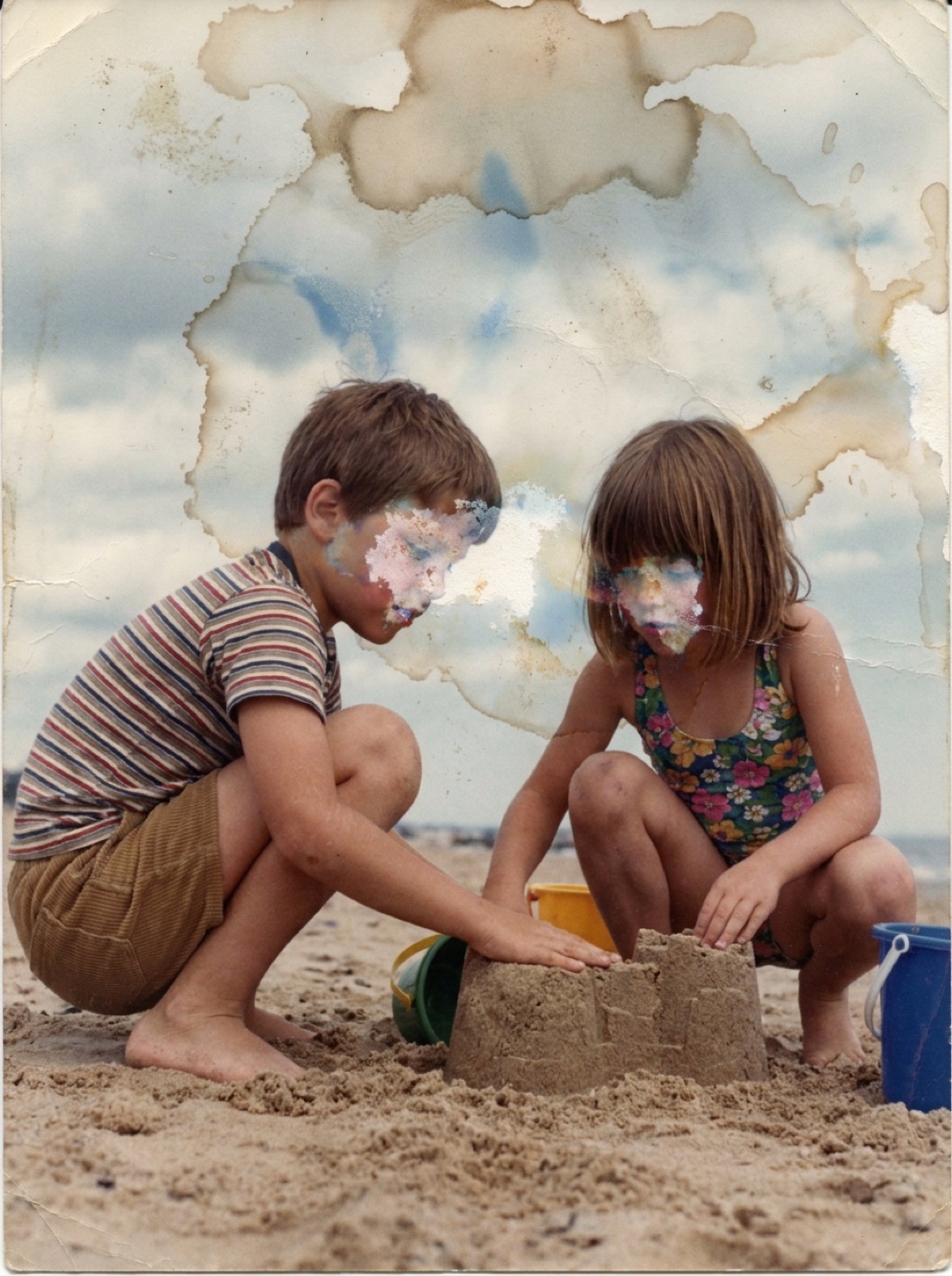

When an AI restores your great-grandmother's portrait and she suddenly looks sharp and vivid, the natural question is: is that really what she looked like? The honest answer is "mostly, and it depends". Understanding where AI is reliable and where it guesses helps you use restored photos responsibly.
What AI restoration gets right
Removing damage
Scratches, dust, cracks, creases, stains and mold spots are not part of the original image, and AI is very good at identifying and removing them. This is the most reliable part of restoration.
Correcting tones and colors
Faded prints, yellowing and color casts follow predictable patterns. Restoring contrast and neutral colors brings the photo closer to how it looked when it was printed.
Enhancing moderately soft details
If a face is slightly soft but its features are visible, AI sharpening mostly brings out information that is already there.
Where AI has to guess
Very small or very blurry faces
If a face is a few dozen pixels wide, there isn't enough information to reconstruct it precisely. The AI creates a plausible face that fits the blur, which can differ from the real person in eye shape, teeth or expression.
Missing areas
For a torn-off corner, the AI invents background. For a missing part of a face, it invents anatomy. It looks convincing, but it's a reconstruction. See restoring damaged faces in photos.
Colors in black and white photos
A black and white photo records brightness, not color. A red dress and a green dress can look the same shade of grey. Colorization predicts likely colors, not actual ones. More in are colorized photos accurate?
Text, insignia and patterns
Small writing, badges and intricate fabric patterns may be simplified or altered.
A checklist for verifying a restored photo
- Compare side by side using the before/after slider.
- Check identity: show it to someone who knew the person. Do they recognize them immediately?
- Check expressions: is a smile still the same smile?
- Check distinctive features: scars, moles, glasses, gaps in teeth.
- Check clothing and objects: buttons, medals, jewelry, uniforms.
- Check the edges of former tears and stains for smudges.
If a detail is wrong, try a sharper scan, crop out the worst damage, or restore again.
How to improve accuracy
- Start with the best scan you can make (see how to scan old photos).
- Use the original print, not a copy of a copy.
- Restore before colorizing.
- Keep the original next to the restored version, always.
Using restored photos responsibly
For family albums and gifts, a natural, recognizable restoration is what matters. For genealogy, history or publication, label images as "restored with AI" or "colorized", and keep the untouched scan as the record. Our guide on the ethics of colorizing historical photos discusses this further.
Apps like Refixo are designed to keep faces, expressions and poses as they are, but no AI can fully replace your own eyes and your family's memories.
Frequently asked questions
Can AI restore a photo to exactly how it looked?
It can remove damage and restore tones very closely. Where detail is completely lost, it reconstructs plausible detail, which may not be exact.
Why does a restored face look slightly different from my memory?
Small faces and blur force the AI to reconstruct features. A higher-resolution scan or a different, sharper photo of the same person usually improves the result.
Is AI colorization historically accurate?
It produces plausible colors, but black and white film doesn't record color, so specific colors are educated guesses unless documented.
Should I keep the original after restoring?
Yes. The original scan is the historical record. Keep it alongside the restored version.
Restore it in seconds
Bring your old photos back to life
Refixo's AI removes scratches, tears and stains, sharpens faces and colorizes black & white photos in seconds. Free to download on iPhone and iPad, with a 3-day free trial.
Download on theApp Store