
How to Restore Damaged Faces in Old Photos
Restore faces damaged by scratches, cracks, stains or blur in old photos: what AI face restoration does well, its limits and how to keep a likeness accurate.
By Ayoub Farid · · 2 min read
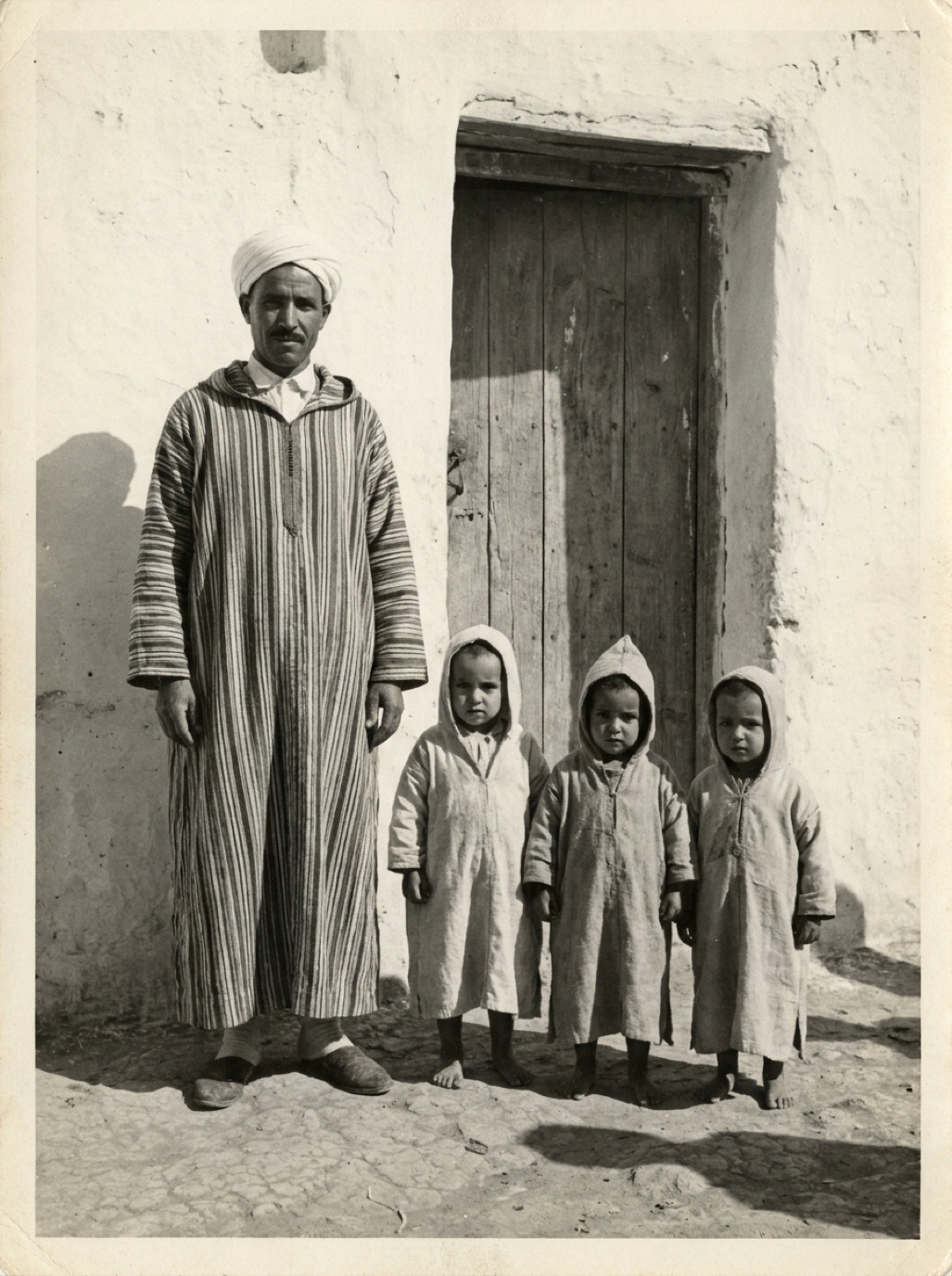
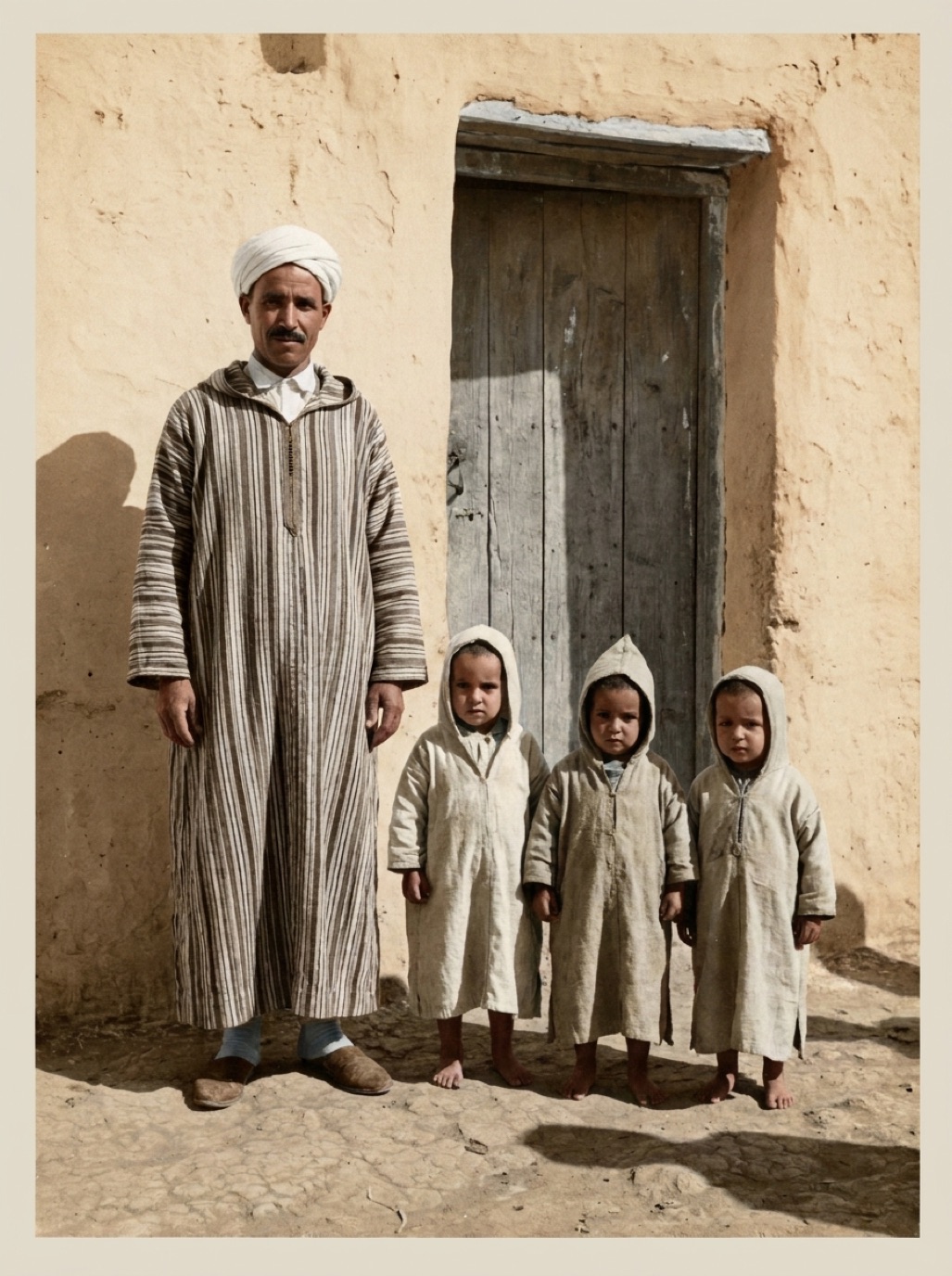
Of everything in an old photo, faces matter most, and damage to a face hurts the most: a scratch through an eye, a crack across a cheek, a stain covering a mouth. Faces are also where restoration needs the most care, because we notice the smallest change in someone we love.
What AI face restoration does
Modern restoration models include specialized face components. They locate eyes, nose, mouth, hairline and face shape, then rebuild sharp, consistent detail even when the original is damaged or blurry. That's why a face often comes back dramatically in apps like Refixo, which enhance faces as part of the restoration.
What it does well
- Scratches, dust and cracks across faces.
- Stains and spots on skin.
- Soft or slightly blurry faces where features are still visible.
- Faded faces with lost contrast.
Where it guesses
- Missing features: if a torn area removed an eye, the AI creates one that fits the rest of the face.
- Tiny faces: in group photos, faces can be only a few pixels wide. The AI rebuilds a lot of detail, which may differ from the real person.
- Unusual features: distinctive scars, a crooked tooth or unusual glasses can be "normalized".
How to keep a likeness accurate
- Start from the sharpest original you can find. A different print of the same photo, or the negative, may have a better face.
- Capture at high resolution (see best DPI for scanning photos), especially for small faces in group shots.
- Compare side by side with the slider.
- Ask relatives who knew the person: do they recognize them instantly?
- Use another photo for reference to check details like eye shape and hairline.
- Try again from the original if the result doesn't look right; don't restore a restored copy.
When to involve a professional
If an important face is mostly missing and AI results don't look like the person, a professional retoucher can rebuild it using other photos as reference. This is typical for memorial portraits (see memorial photo restoration).
Group photos
For group photos with many small faces, crop a tighter version around the people who matter most and restore that crop separately; the larger face size gives the AI more to work with. Related: sharpening faces in old photos.
Frequently asked questions
Can AI restore a face that's partly missing?
It can reconstruct it convincingly, but the reconstructed parts are guesses. Compare with other photos of the person.
Why does the restored face look slightly different?
When the original face is small, blurry or damaged, the AI has to rebuild detail, and small differences can appear.
How do I get the best face restoration?
Use the sharpest, highest-resolution scan of the original, and restore crops of small faces separately.
Should I tell family a face was reconstructed?
Yes, it's good practice, especially for genealogy. Keep the original next to the restored version.
Restore it in seconds
Bring your old photos back to life
Refixo's AI removes scratches, tears and stains, sharpens faces and colorizes black & white photos in seconds. Free to download on iPhone and iPad, with a 3-day free trial.
Download on theApp Store