
How to Restore Old Phone Photos from Your First Smartphones
Restore old phone photos from early iPhones, flip phones and Androids: recover the files, fix low resolution, noise and blur with AI and back them up for good.
By Ayoub Farid · · 2 min read
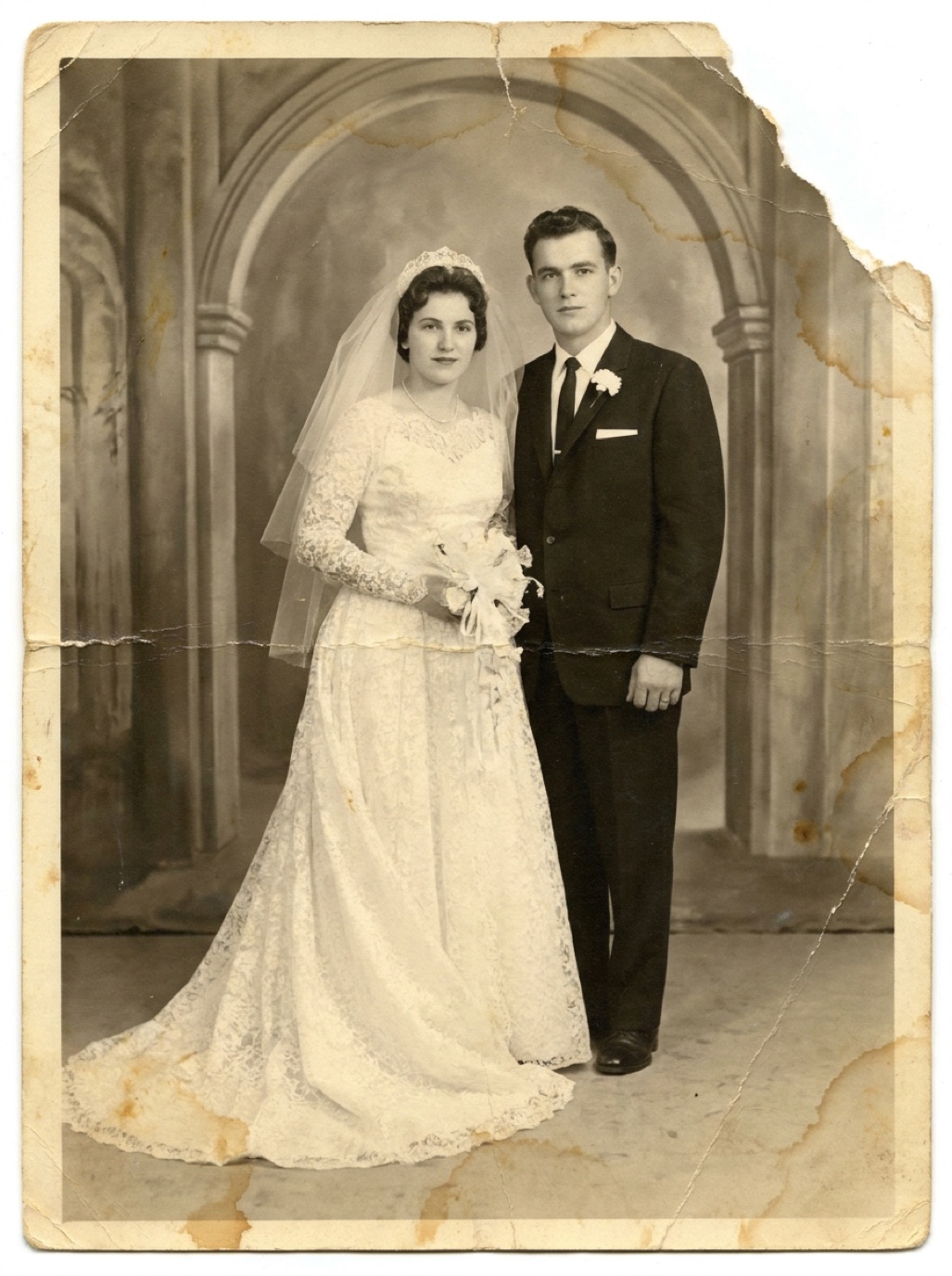
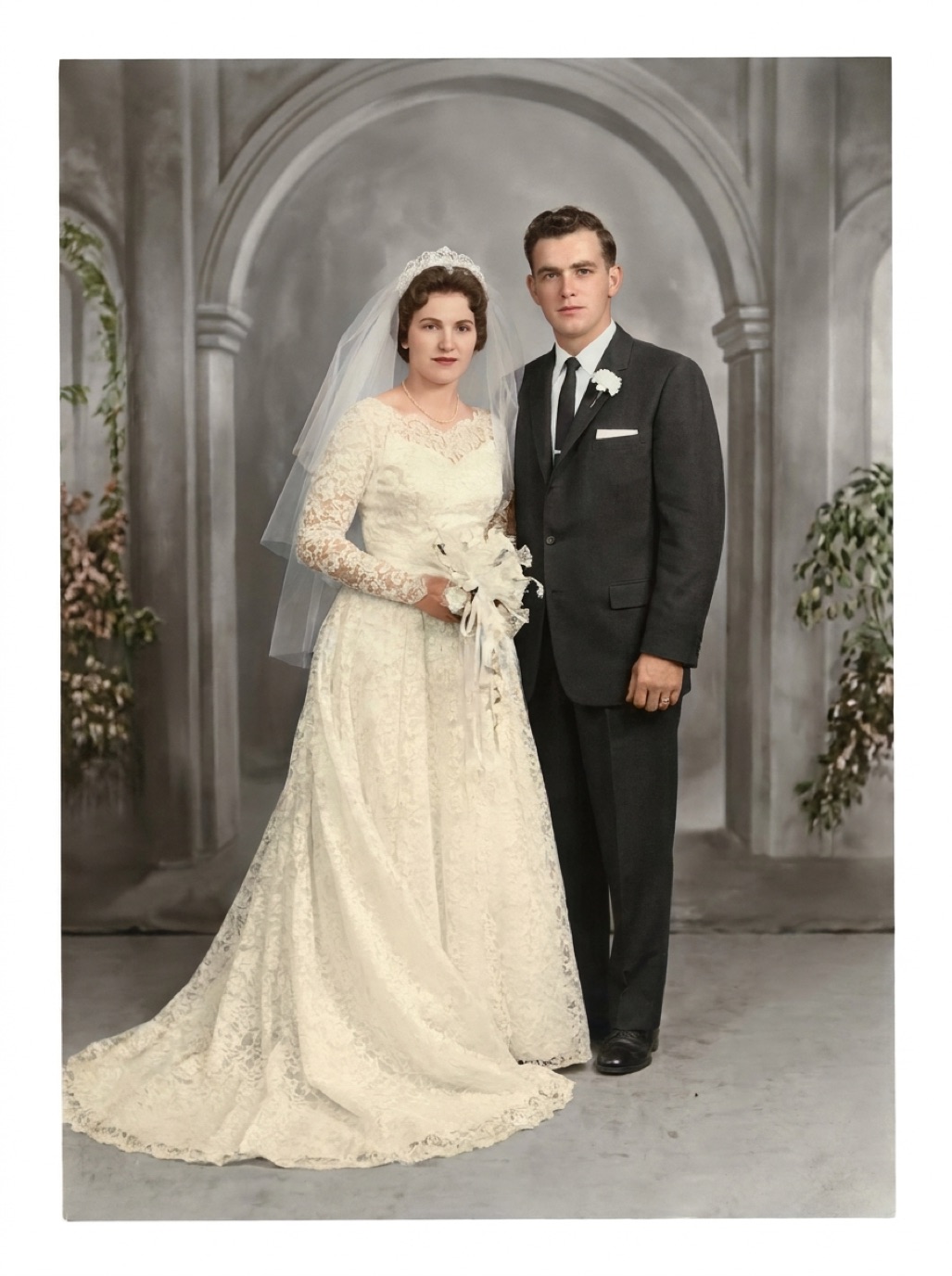
The first camera phones took photos that were barely usable even then: 0.3 megapixel flip phones, then 2–5 megapixel early smartphones. Yet these blurry, noisy images capture a whole decade of family life, from new babies to last photos with grandparents. They can be improved a lot.
Step 1: Find and recover the files
Old phone photos are scattered:
- Old phones in drawers: charge them and copy everything off. Some need the original cable.
- SIM and SD cards: insert in a reader and copy.
- Old computers where you synced the phone.
- Cloud accounts from old services, email and messaging backups.
- Social media archives: many platforms let you download your data, but images are compressed.
Copy everything to one folder before doing anything else (see organizing digital family photos).
Step 2: Choose what to restore
You don't need to enhance 5,000 blurry photos. Pick the ones that matter: people, milestones, places that are gone.
Step 3: Enhance with AI
Early phone photos usually need:
- Upscaling: they're small by modern standards.
- Noise reduction: tiny sensors were noisy indoors.
- Sharpening: lenses were soft and motion blur common.
- Color correction: auto white balance was poor.
In Refixo, choose the photo and tap Restore to do all of this in one pass, with special care for faces. See also enhancing low-quality photos.
Step 4: Back up properly
Phone photos are among the most likely to be lost: phones break, cloud accounts get closed, old services shut down. Follow the 3-2-1 rule (see how to back up family photos).
What can't be saved
Very tiny images (like 160 × 120 pixel flip-phone photos) can be enhanced, but faces will be largely reconstructed. Treat those results as a pleasant approximation, not a faithful record.
Related: enhancing old digital camera photos, fixing pixelated photos.
Old messaging and social media backups
Many early phone photos only survive as attachments in old messages. Messaging apps and social networks offer data exports that include sent and received photos. They're compressed, but they may be the only copies left of some moments. Download these archives once, store them with your other backups, and enhance the photos that matter.
Frequently asked questions
Can old phone photos be improved?
Yes. AI enhancement upscales, denoises, sharpens and corrects colors.
How do I get photos off an old phone?
Charge it, connect it to a computer, and copy the DCIM or photos folder. For some phones, removing the memory card is easier.
Why do my old phone photos look so bad now?
Early phone cameras had tiny sensors and low resolution, and modern screens are much larger and sharper.
Should I delete the original low-quality files after enhancing?
No. Keep originals; they're the record and allow you to re-enhance later with better tools.
Restore it in seconds
Bring your old photos back to life
Refixo's AI removes scratches, tears and stains, sharpens faces and colorizes black & white photos in seconds. Free to download on iPhone and iPad, with a 3-day free trial.
Download on theApp Store