
How to Digitize Photo Albums Fast (Without Taking Them Apart)
Digitize whole photo albums quickly: page-by-page capture, glare control under plastic, capturing captions, cropping individual photos and restoring the best.
By Ayoub Farid · · 2 min read
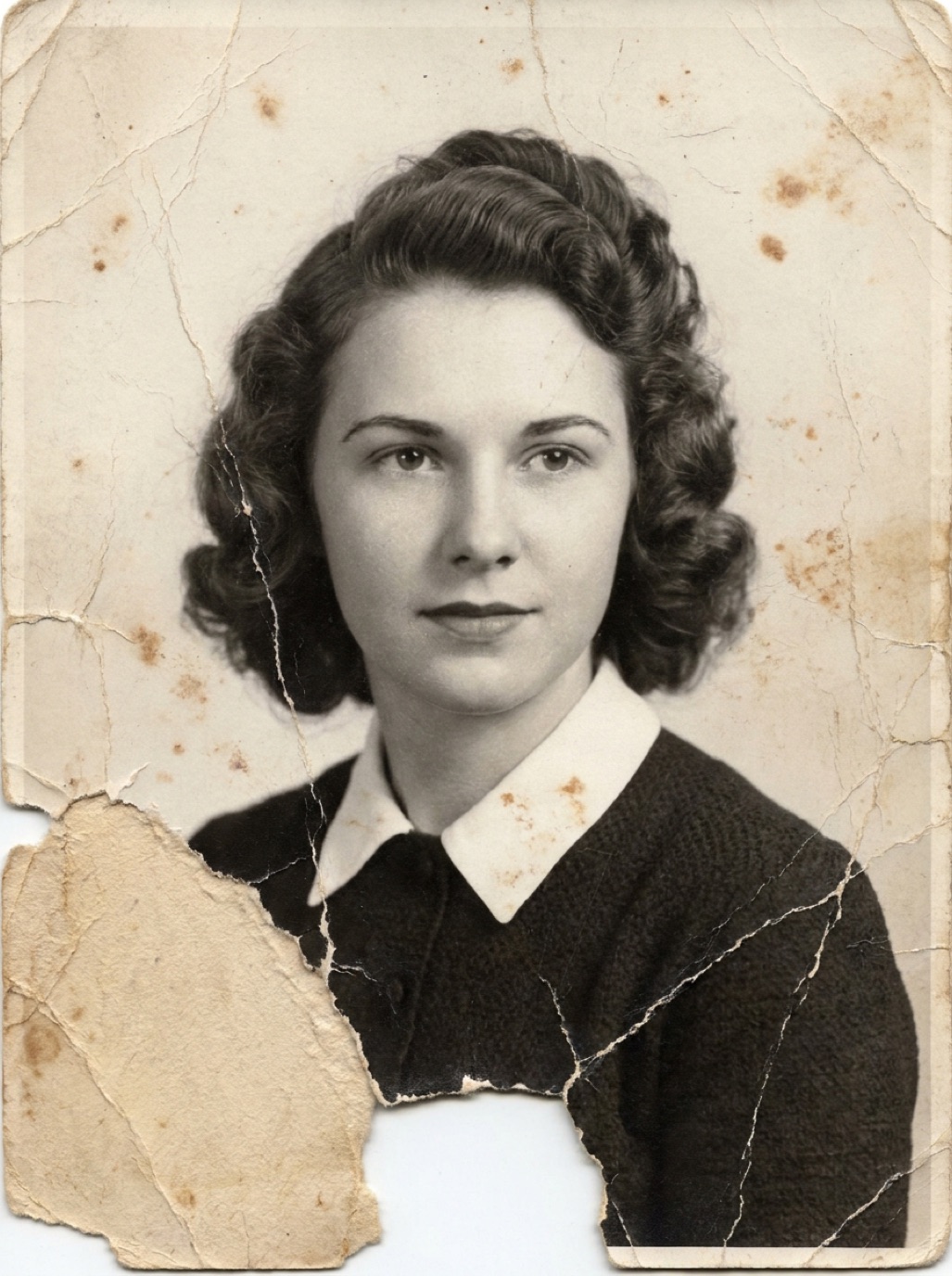
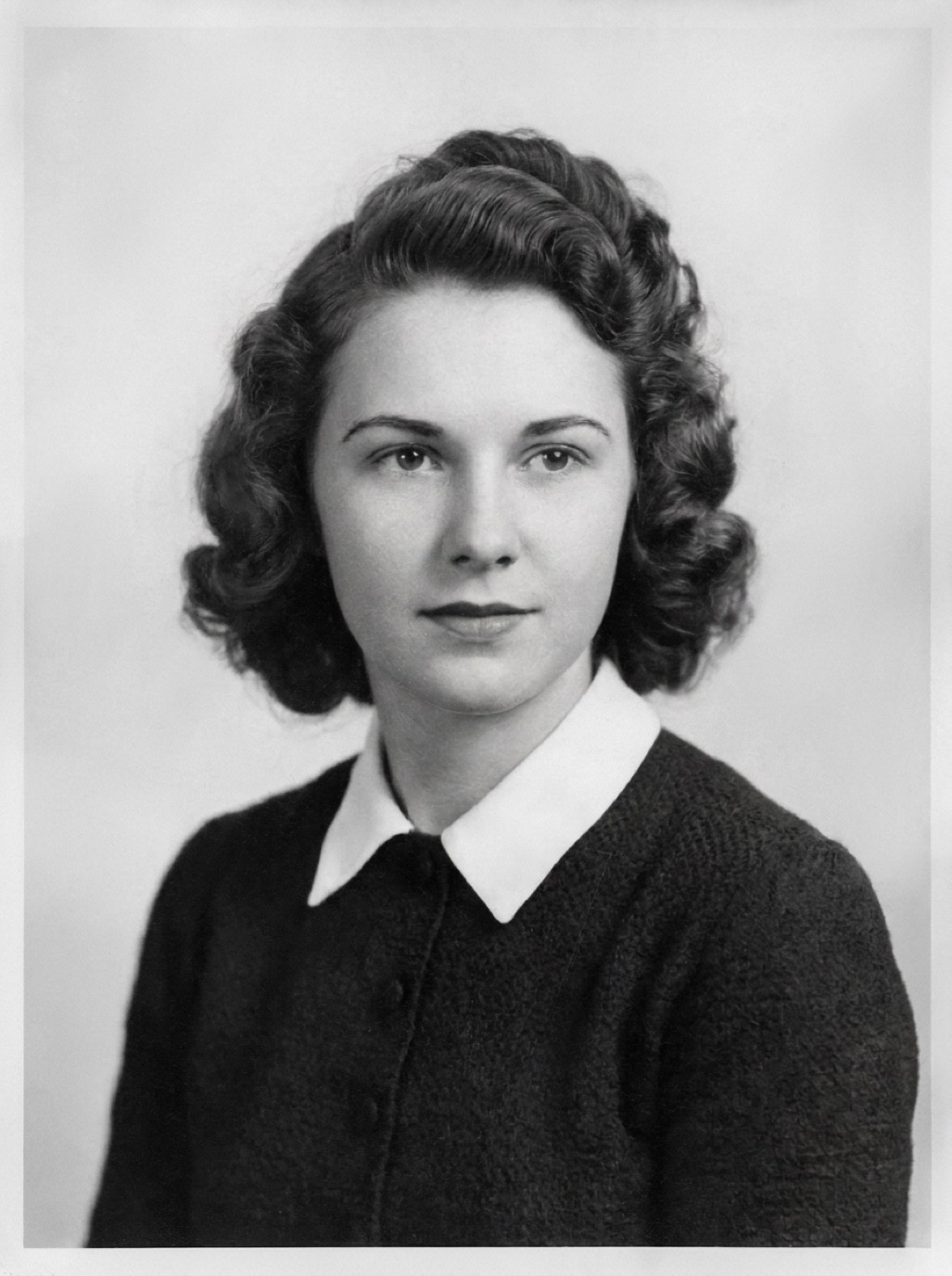
Old albums are more than collections of photos. Their order, captions and layouts tell a story. Taking them apart is slow and can damage photos. Often the best approach is to digitize them page by page, then crop individual photos digitally.
Why scan whole pages
- Speed: one capture per page instead of per photo.
- Context: captions, dates and arrangement are preserved.
- Safety: photos stuck to pages aren't forced off.
Set up for speed
- Light: two soft light sources at 45° on each side, or window light from the side. Turn off overhead lights.
- Stand: phone or camera directly above the page. A tripod with a horizontal arm or a phone stand works well.
- Album support: a few books to keep the album flat and open.
- Mark positions with tape so each page sits in the same place.
Dealing with plastic overlays
Plastic sleeves and magnetic album film cause glare.
- Lift the overlay if it comes up easily.
- Otherwise, angle lights so reflections fall outside the frame.
- A sheet of black card with a hole for the lens prevents the camera itself from reflecting.
See photographing prints without glare and removing photos from magnetic albums.
Capture workflow
- Photograph the cover and any title page.
- Capture each page in order. Number them in file names (`album-03_p12.jpg`).
- Capture close-ups of important photos too, for better resolution than the whole-page shot.
- Capture backs or captions that aren't visible.
Crop individual photos
Later, crop each photo out of the page captures:
- In Photos, duplicate the page image, then crop to each photo.
- Some scanning apps auto-detect multiple photos per page.
For important photos, use the close-up capture rather than a crop.
Restore the best photos
Album photos from the 1960s–1990s are often faded and yellowed from the album materials. Restore your favorites with Refixo, which corrects fading and color casts, removes stains and sharpens faces.
Keep the album as a digital book
Combine page captures into a PDF or a digital photo book so relatives can flip through it in its original order (see family photo book ideas).
Related: digitizing old photos, scanning photos with iPhone.
Frequently asked questions
What's the fastest way to digitize a photo album?
Capture whole pages with a phone on a stand in good, glare-free light, then crop individual photos later.
Do I need to take photos out of the album?
No. Scanning in place is faster and safer for stuck photos.
How do I avoid glare from album plastic?
Use side lighting at 45°, turn off overhead lights and lift the overlay if possible.
Will cropped photos be high enough resolution?
For small prints on a large page, take separate close-ups of the photos you care most about.
Restore it in seconds
Bring your old photos back to life
Refixo's AI removes scratches, tears and stains, sharpens faces and colorizes black & white photos in seconds. Free to download on iPhone and iPad, with a 3-day free trial.
Download on theApp Store