
How to Colorize Sepia Photos (and Whether You Should)
How to colorize sepia photos: what sepia toning is, restoring and neutralizing the brown tone, adding natural color, and when to keep the vintage look.
By Ayoub Farid · · 2 min read
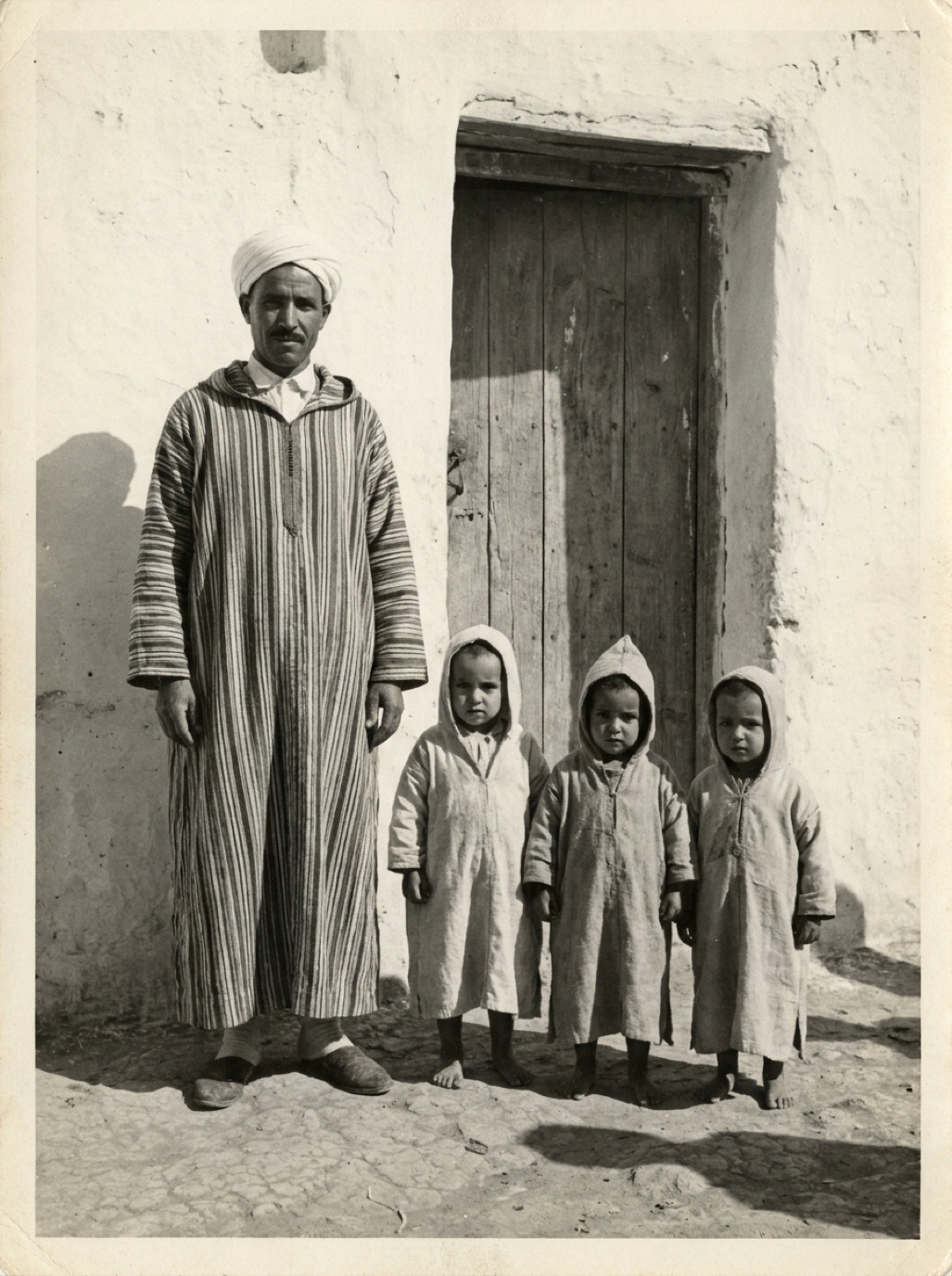
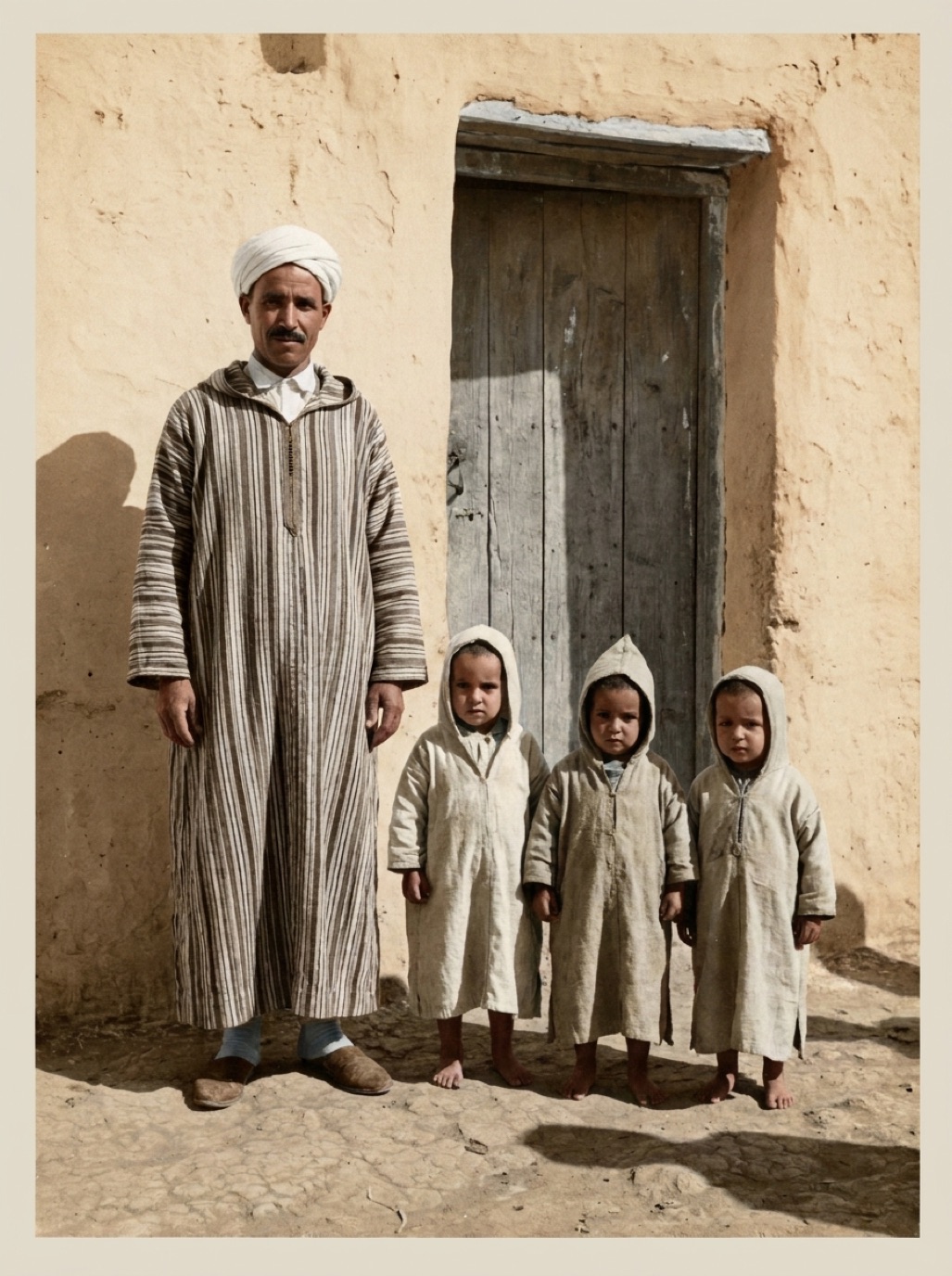
Sepia photos, with their warm brown tones, are some of the most atmospheric family photos we have. Many date from the late 1800s to the 1930s. You can colorize them just like black and white photos, but it helps to understand what sepia is first.
What is a sepia photo?
Sepia toning was a chemical process that converted the silver in a black and white print into a more stable compound, giving it a warm brown color. It was both aesthetic and practical: toned prints often lasted longer. So the brown color isn't the "real" color of the scene, and it isn't damage either.
Some prints that look sepia are actually yellowed or faded black and white prints. Those benefit even more from restoration (see fixing yellowed photos).
Colorizing a sepia photo
- Capture it well: sepia prints are often old and fragile, so handle gently and capture in soft light (see how to handle old photos).
- Restore first: remove cracks, foxing, scratches and fading.
- Colorize: the AI replaces the brown tone with natural colors.
With Refixo, these steps happen in one pass when you tap Restore. The wedding photo on our homepage started as a faded, stained sepia print (an AI-generated example for illustration).
Tips for better results
- Old studio portraits colorize well: plain backdrops, clear faces, formal clothing.
- Clothing from the 1880s–1920s was often dark (black, navy, brown), so muted results are often realistic.
- Painted studio backdrops may come out grey or beige, which is plausible.
- Very early prints (cabinet cards, cartes de visite) are small; scan at high resolution (see best DPI for scanning photos).
Should you colorize, or keep the sepia?
Many people love the sepia tone and prefer a restored sepia version: cleaned up, contrast restored, but still warm brown. Others want to see their ancestors in natural color. There's no wrong answer, and you can keep both. See should you colorize old photos?
Related: colorizing black and white photos, identifying types of old photographs.
Cabinet cards and studio stamps
Many sepia portraits are mounted on card with the studio's name and town printed at the bottom or on the back. Scan both sides: the studio stamp helps date the photo and place it geographically (see how to date old photos).
Frequently asked questions
Can sepia photos be colorized?
Yes. The brown tone is removed and replaced with natural colors predicted by AI.
Is sepia the original color of the photo?
No. Sepia is a toning process applied to black and white prints. The real scene had natural colors.
How do I know if my photo is sepia or yellowed?
Sepia is usually an even warm brown with good contrast. Yellowing is often uneven, with stains and weak blacks.
Should I restore a sepia photo without colorizing?
That's a great option if you like the vintage look. Restore the damage and keep the warm tone.
Restore it in seconds
Bring your old photos back to life
Refixo's AI removes scratches, tears and stains, sharpens faces and colorizes black & white photos in seconds. Free to download on iPhone and iPad, with a 3-day free trial.
Download on theApp Store