
TIFF vs JPEG for Archiving Scanned Photos: Which Should You Use?
TIFF vs JPEG for scanned family photos: quality, file size, compatibility and editing, plus a simple practical recommendation for most family archives.
By Ayoub Farid · · 2 min read
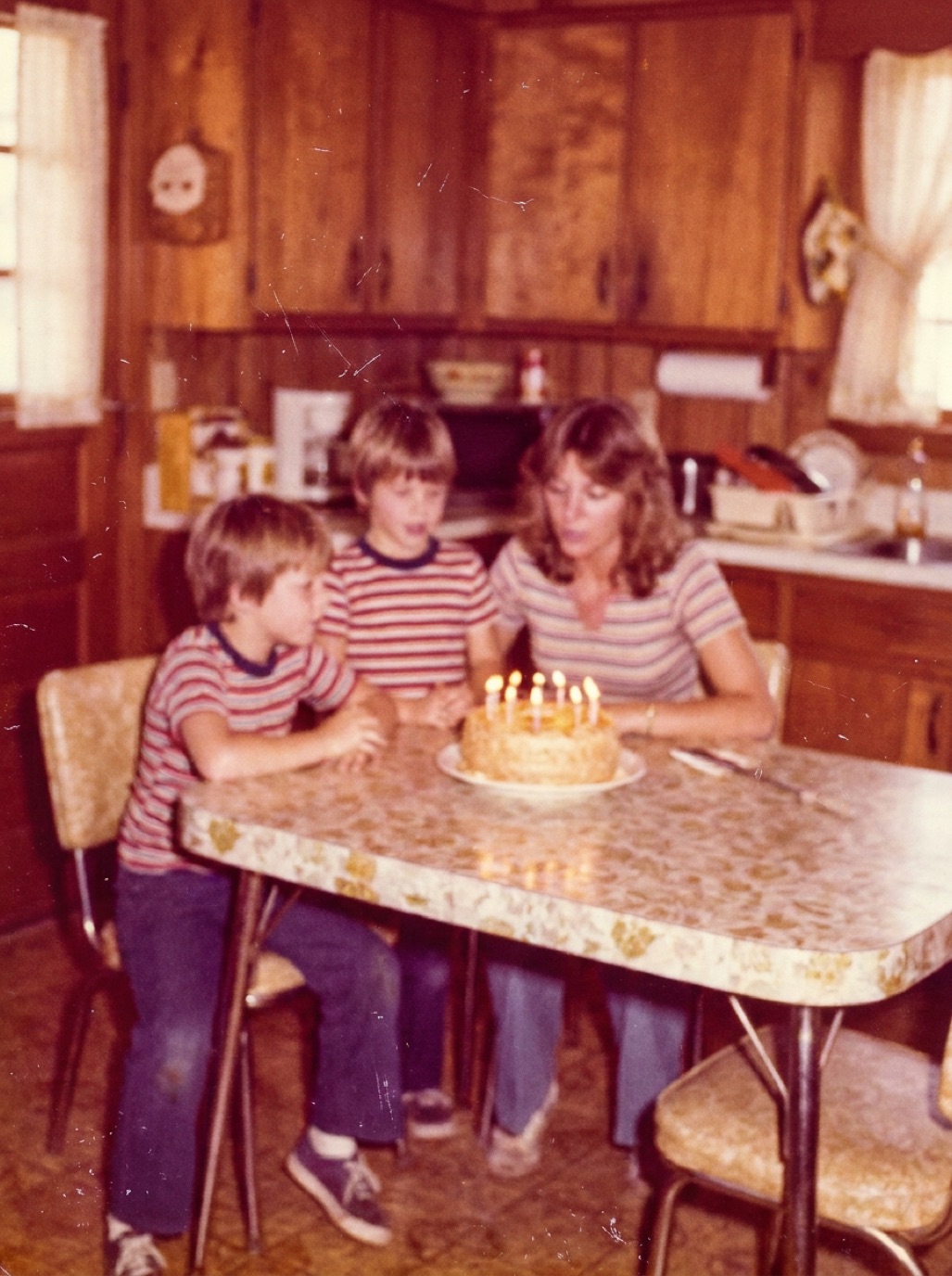
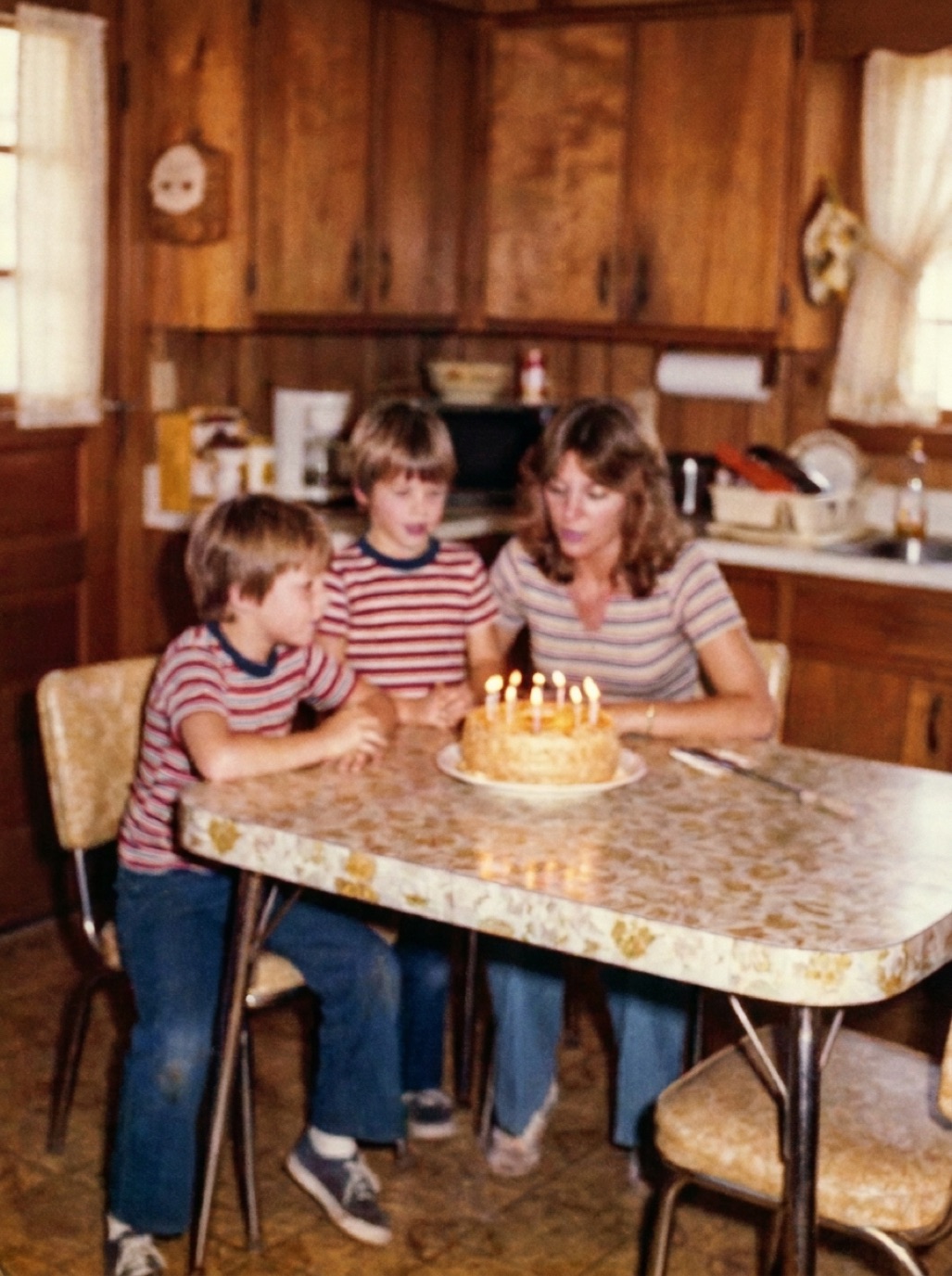
When you scan photos, your scanner or app asks which format to save in. Archivists often recommend TIFF; most phones save JPEG or HEIC. Which is right for a family archive? The answer is less dramatic than online debates suggest.
The difference in one sentence
TIFF is usually saved without lossy compression, so every pixel is kept exactly; JPEG uses lossy compression to make files much smaller, discarding detail you mostly can't see.
Comparison
| TIFF | JPEG | |
|---|---|---|
| Quality | Lossless | Very high at high quality settings |
| File size | Large (often 5–10× JPEG) | Small |
| Re-saving | No loss | Small loss each time you edit and re-save |
| 16-bit color | Supported | 8-bit only |
| Compatibility | Good on computers, weaker on phones and web | Universal |
| Sharing | Awkward | Easy |
When TIFF is worth it
- Archival masters of your most important photos.
- Heavy editing: if you'll make many edits and re-saves, TIFF avoids cumulative quality loss.
- 16-bit scans of faded photos or negatives, where extra tonal data helps correction.
- Institutional projects that require archival standards.
When JPEG is fine
- Most family prints: a high-quality JPEG (quality 90–100) is visually indistinguishable from TIFF for viewing and printing.
- Large collections where storage matters.
- Phone captures, which are already compressed (JPEG or HEIC).
- Anything you'll share.
A practical recommendation
- Scan important photos (the irreplaceable portraits) as TIFF masters, if your scanner allows.
- Scan everything else as high-quality JPEG.
- Never edit the master directly. Make copies for restoration and sharing.
- Export restored versions as JPEG for sharing and printing.
When you restore photos with Refixo, the restored file is exported in full quality; keep it alongside the original scan (see organizing digital family photos).
What about HEIC and PNG?
- HEIC (iPhone default): smaller than JPEG at similar quality, but less universal. Fine for captures; convert to JPEG when sharing widely, or set the camera to "Most Compatible".
- PNG: lossless like TIFF, widely supported, but no 16-bit workflow in many apps. A reasonable alternative to TIFF.
Back up whichever you choose
Format matters far less than having three copies (see how to back up family photos).
How much storage will you need?
A rough guide for a 4 × 6 print scanned at 600 dpi (2400 × 3600 pixels):
- High-quality JPEG: around 2–5 MB.
- 8-bit TIFF: around 25 MB.
- 16-bit TIFF: around 50 MB.
So 1,000 photos might be 3–5 GB as JPEG versus 25–50 GB as TIFF. Both are manageable on modern drives, but TIFF fills phones and free cloud tiers quickly. See best DPI for scanning photos.
Frequently asked questions
Is TIFF better than JPEG for scanning photos?
TIFF is lossless and better for archival masters and heavy editing. High-quality JPEG is fine for most family photos.
Will JPEG ruin my scans?
Not at high quality settings. Avoid repeatedly editing and re-saving the same JPEG.
Should I convert my JPEG scans to TIFF?
No benefit. Converting doesn't restore lost information.
What format should restored photos be saved in?
High-quality JPEG is ideal for sharing and printing; keep the original scan as your master.
Restore it in seconds
Bring your old photos back to life
Refixo's AI removes scratches, tears and stains, sharpens faces and colorizes black & white photos in seconds. Free to download on iPhone and iPad, with a 3-day free trial.
Download on theApp Store