
Make a Family Reunion Slideshow with Restored Old Photos
Create a family reunion or anniversary slideshow with restored old photos: collecting, restoring, ordering by decade, music, captions and TV tips.
By Ayoub Farid · · 2 min read
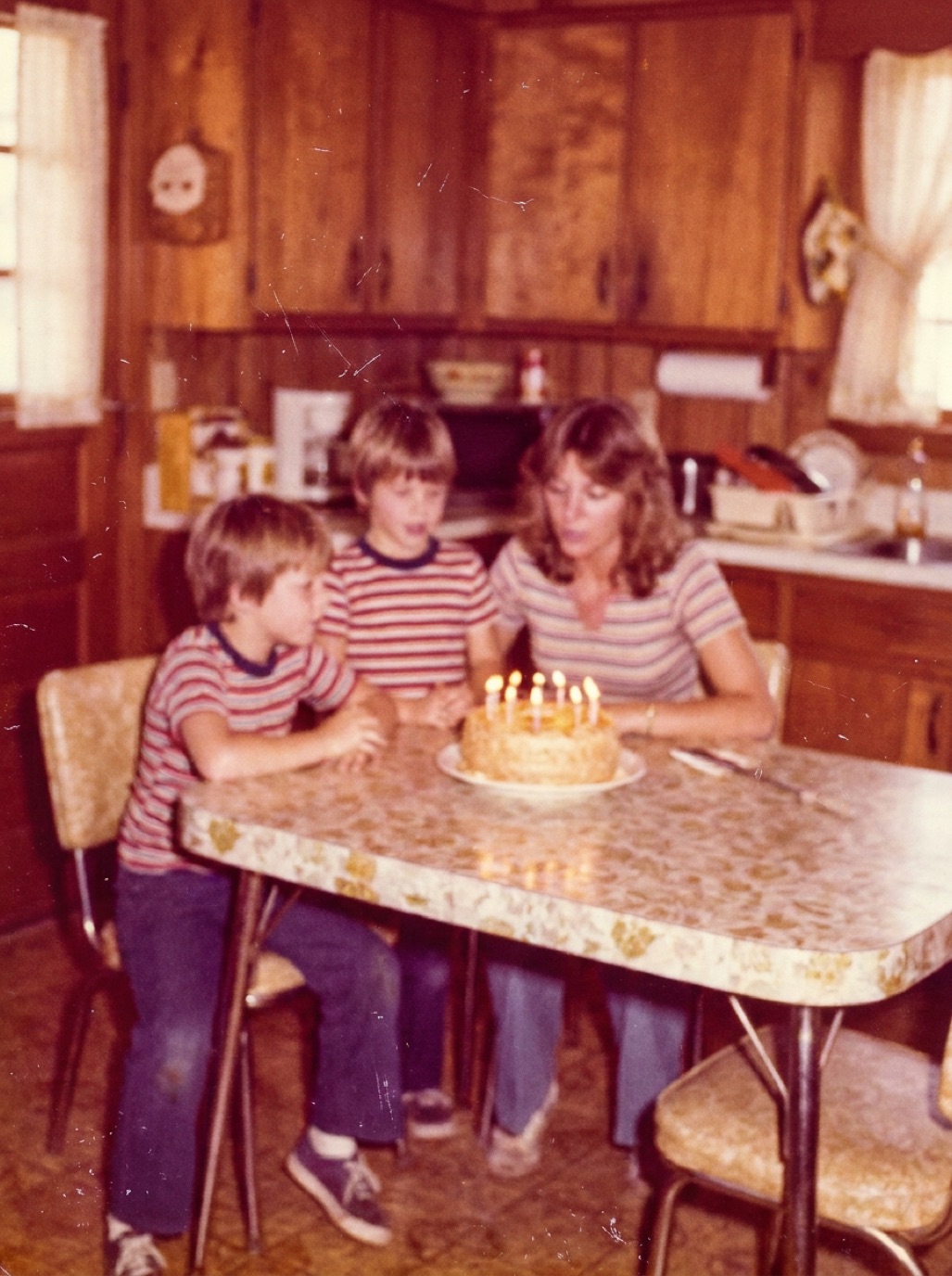
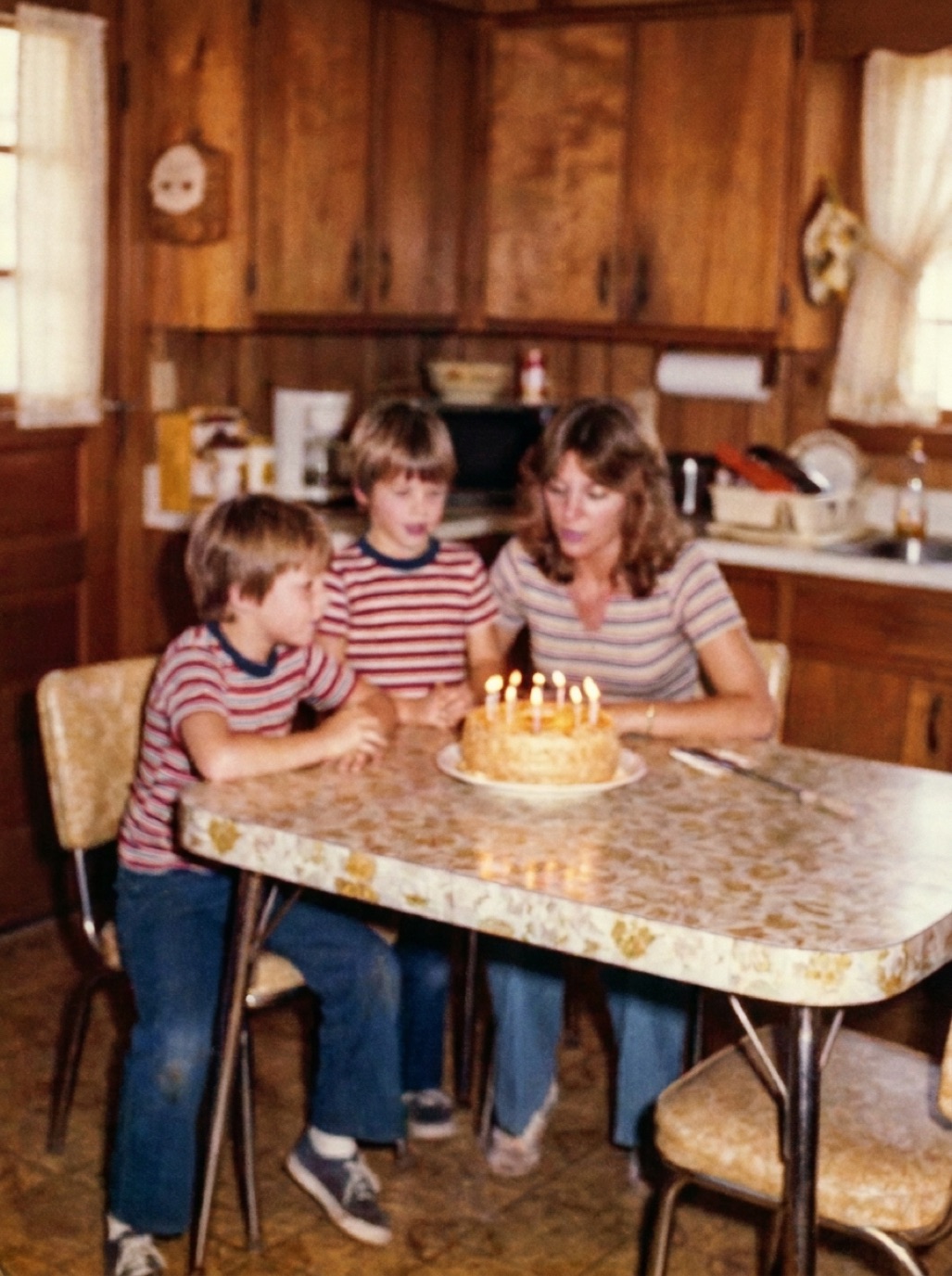
A slideshow of old family photos on a big screen is the centerpiece of many reunions, milestone birthdays, anniversaries and memorials. Restored photos make it much better: faces are clear, colors are fresh and everyone can see who's who from across the room.
Step 1: Collect photos early
- Ask every branch of the family to send 10–20 favorites, as files, not chat images (see fixing compressed WhatsApp photos).
- Set up a shared folder or album for submissions.
- Ask for names and years with each photo.
Give people a deadline two or three weeks before the event.
Step 2: Restore and enhance
Old photos look worse on a big TV, where every scratch and blur is magnified. Restore them:
- In Refixo, tap Restore on each photo to remove damage, correct fading and sharpen faces.
- Colorize a few black and white highlights for a "wow" moment, perhaps showing the original first and then the colorized version.
- Enhance small or low-quality files (see upscaling old photos).
Step 3: Order the story
- Chronological works best: from the oldest ancestors to the newest babies.
- Group by decade with a title slide for each ("The 1950s").
- Mix portraits, groups and candid moments.
- End with a recent group photo and, if possible, take a new one at the reunion.
Step 4: Captions and timing
- Short captions: names and year, large enough to read on a TV.
- 5–7 seconds per photo; 100 photos is about 10 minutes, which is plenty.
- Before-and-after pairs: show the original for 3 seconds, then the restored version.
Step 5: Music and tools
- Choose music the older generation loved, plus something for everyone.
- Tools: Apple Photos (Memories or slideshow), Keynote, PowerPoint, Google Slides, or a video editor.
- Export as a video file, and test it on the actual TV before the day.
Display tips
- Old photos are often portrait-shaped. A dark background looks better than white bars on a TV.
- Turn down TV "vivid" settings, which make skin tones unnatural.
- Have a backup copy on a USB stick.
After the event
Share the slideshow and the restored photos with everyone (see sharing restored photos with family) and collect the stories people told while watching.
Related: Thanksgiving family photo project, restored photo gift ideas.
Frequently asked questions
How many photos should a family slideshow have?
About 80–150 for a 10–15 minute slideshow.
Should I restore photos before putting them in a slideshow?
Yes. Big screens magnify damage and blur; restored photos look far better.
What's the easiest way to make a slideshow?
Apple Photos or Google Photos can create one in minutes; Keynote or PowerPoint give more control.
How long should each photo be shown?
Around 5–7 seconds.
Restore it in seconds
Bring your old photos back to life
Refixo's AI removes scratches, tears and stains, sharpens faces and colorizes black & white photos in seconds. Free to download on iPhone and iPad, with a 3-day free trial.
Download on theApp Store